
Design In The Browser
The visual tool for frontend. Point, click, and let AI code.
180 followers
The visual tool for frontend. Point, click, and let AI code.
180 followers
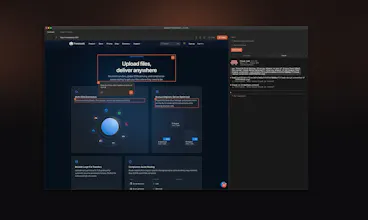
Design In The Browser lets you point at any element on your website and tell AI what to change. Click a button, a heading, or select text — describe your edit in plain language, and it sends the instruction (with a screenshot) directly to Claude Code, Cursor, or Gemini CLI running in the built-in terminal. No more copying selectors or describing layouts in chat. You see it, you change it, and AI does it. Supports multi-edit queuing, responsive viewports, and your preferred code editor.



Free
Launch Team / Built With


Framer AI AgentsDesign and publish professional sites with AI
Promoted
Congrats on the launch! Love how Design In The Browser turns “I see it, I change it” into real AI-powered frontend edits—perfect bridge between live UI context and coding agents.