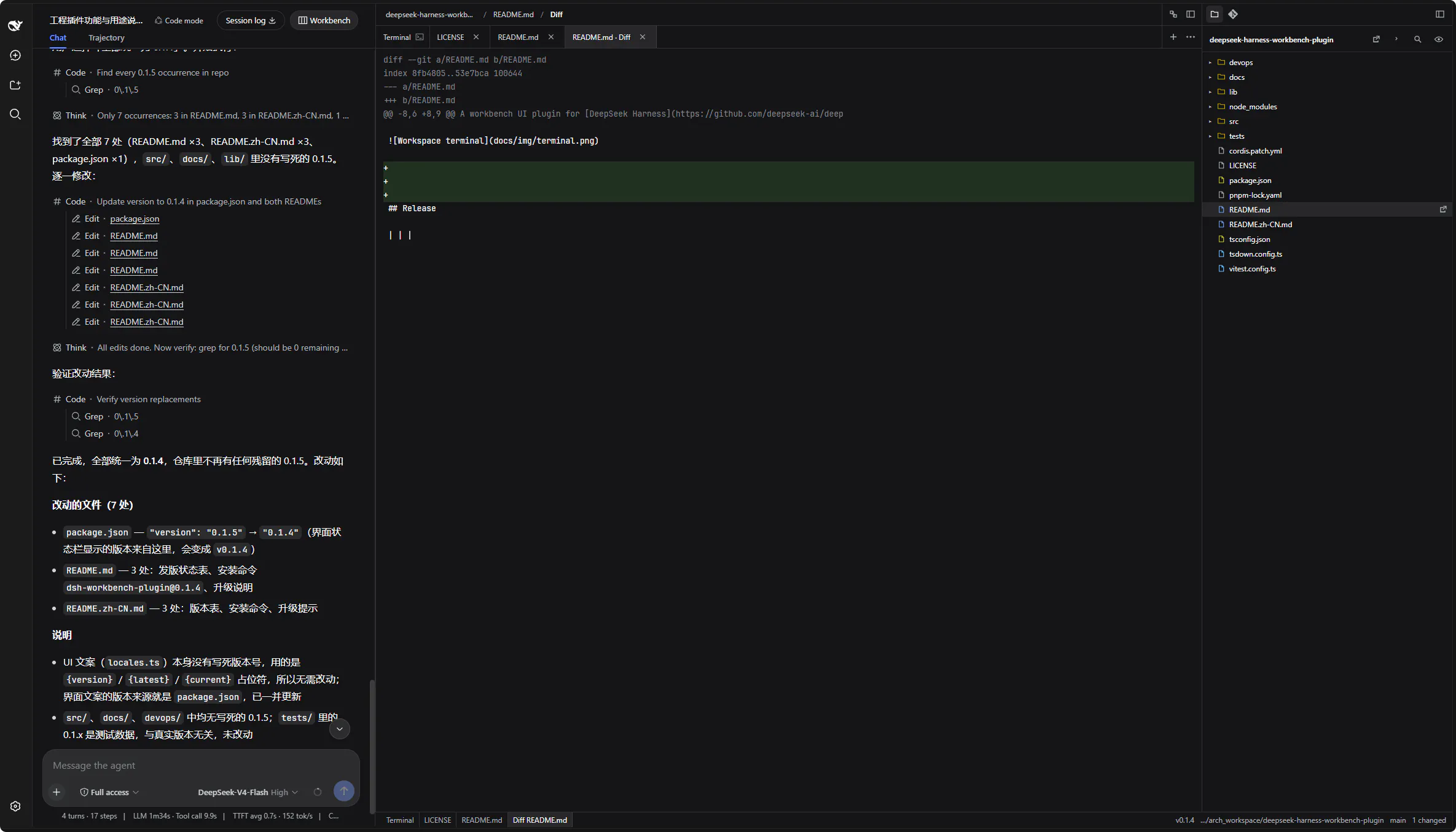
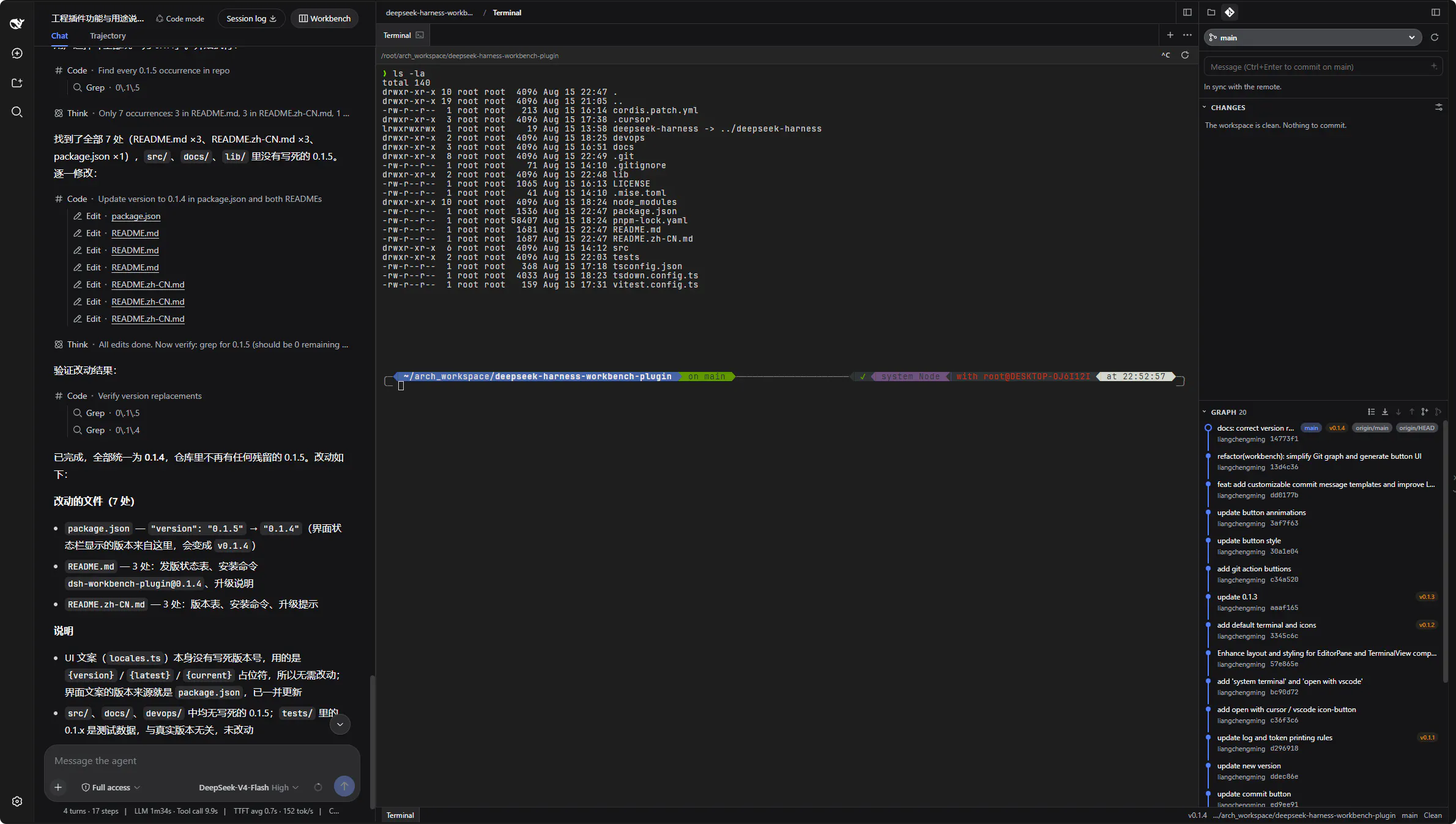
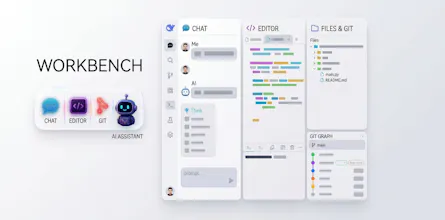
A workbench plugin for the [DeepSeek Harness](https://github.com/deepseek-ai/deepseek-harness) Web UI. After Workbench is opened in Conversation, chat stays on the left. Two new columns appear on the right: the editor (syntax highlighting and terminal) and files & Git.
Wispr Flow: Dictation That Works EverywhereStop typing. Start speaking. 4x faster.
Promoted
Maker
📌
## Core capabilities
1. **Smart terminal.** A local pseudo-terminal (PTY) inside the workbench. Input is classified automatically — lines that are real shell commands (including pasted prompt prefixes like `$ ls`) go straight to the PTY, while natural-language tasks are translated by the model into shell commands and typed into the **current session** shell; no separate shell is started. Greetings, warnings and one-line explanations are written as non-executable POSIX no-ops, and commands matching the configurable destructive blacklist are refused with a note.
2. **Workspace editor.** CodeMirror 6 with syntax highlighting for CSS, HTML, JavaScript, JSON, Markdown, Python, XML and YAML, plus a Markdown preview (👁 mode) that renders images (http(s) and workspace-relative paths) and Mermaid diagrams.
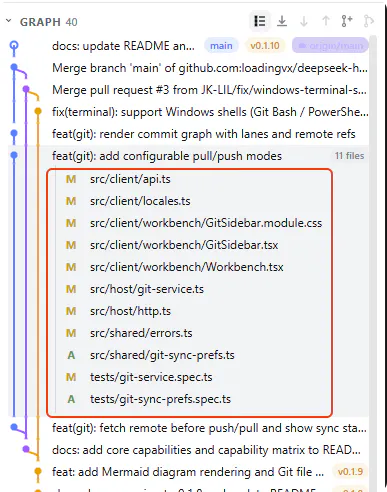
3. **Files & Git.** A file tree (browse, open, new, rename, delete) and a Git sidebar (status, diff, log, branch, commit with streamed AI commit-message generation, restore, commit graph).
4. **Maintenance & i18n.** In-UI upgrade checker with a dismissible notice, and Chinese / English locales.
## Capability matrix
| Area | Capability | Notes | Status |
| --- | --- | --- | --- |
| Smart terminal | Local PTY terminal | xterm.js PTY; POSIX bash / zsh / sh / dash allowlist with path constraints | Supported |
| Smart terminal | Command vs. natural-language classification | Real argv lines go straight to the PTY; requests are translated by the model | Supported |
| Smart terminal | AI translation to shell commands | Alt+I; written into the current session shell | Supported |
| Smart terminal | Note isolation | Greetings / warnings written as non-executable statements, never executed | Supported |
| Smart terminal | Destructive command blacklist | Matching commands are refused with a note; rules configurable in settings | Supported |
| Smart terminal | Windows terminal — Git Bash | Probed at the standard Git for Windows install paths and selected when present | Supported |
| Smart terminal | Windows terminal — Windows PowerShell | Probed at the system PowerShell path and selected when Git Bash is absent | Supported |
| Editor | Syntax highlighting | CodeMirror 6: CSS / HTML / JavaScript / JSON / Markdown / Python / XML / YAML | Supported |
| Editor | Markdown preview | Images (http(s) + workspace-relative) and Mermaid diagrams | Supported |
| Files & Git | File tree | Browse / open / new / rename / delete with path breadcrumbs | Supported |
| Files & Git | Git sidebar | Status / diff / log / branch / commit / restore, commit graph | Supported |
| Files & Git | AI commit messages | Streamed commit-message generation from staged changes | Supported |
| Workbench | Three-column layout | Chat \| editor + terminal \| files & Git; drag-resizable with remembered widths | Supported |
| Maintenance | Upgrade checker | Notice + install command written as a `#` comment into the terminal | Supported |
| i18n | Locales | Chinese and English dictionaries | Supported |
| Compatibility | Shells beyond the tested coverage | fish / tcsh / csh / ksh / mksh / cmd / BusyBox-as-`ash`: not yet covered by tests; when `$SHELL` points to one of them, the terminal falls back to a tested shell when available | Not yet covered by tests |
| Compatibility | Remote SSH jump-host sessions | Not yet covered by tests | Not yet covered by tests |