
Coohoo is a click-to-comment tool for staging sites. Reviewers (designers, clients, stakeholders) pin comments onto the exact page element, and everything lands in one dashboard with open/resolved states. No more vague Slack threads or screenshots with red arrows. Drop one script tag, share a link, done. Reviewers don't even need an account. Built for mixed teams where not everyone speaks dev. And yes, there's a pigeon. Pin the bug, coo the praise, ship the fix.


Maker
📌Hey Product Hunt! 👋
I'm a designer who codes, and every project ended the same way: a Slack thread full of "the button on the left, no, the other left" and screenshots with red arrows drawn in whatever tool was closest.
So I built Coohoo. You add one line of code to your staging site, share a link, and anyone (client, PM, a stakeholder who's never opened DevTools) clicks the thing they want changed and leaves a comment right there. It anchors to the actual DOM element, captures browser/screen context automatically, and shows up in a dashboard with open/resolved states. No accounts needed for reviewers.
I built the whole thing solo: design, code. Feedback tools don't have to feel like filing a ticket. Coohoo is deliberately playful, from the mascot to the microcopy, because review rounds go faster when people actually enjoy leaving comments.
Would love your feedback, ideally pinned to the exact pixel. Ask me anything!
Report

🧐 Good find
Does it work with multi page sites? I had tried it with a home page - my friend added comments. But what is strange - she told that buttons on cards were not clickable while using Coohoo.
My question is - can I use Coohoo for all pages of my site - not only home page?
Report
Maker
Hey! @julia_shtogren
Yes, it works across your whole site, not just the home page. Comments are tied to each page's URL, so every page keeps its own set and nothing gets mixed up. The one thing to check: make sure the script loads on every page (usually by adding it once in your site's shared layout or footer rather than a single page), and you're covered site-wide.
On the buttons: when comment mode is on, a click drops a pin instead of triggering the button, so that part is expected, just toggle comment mode off to use the page normally. But if she saw buttons stay dead with comment mode already off, that's not intended and I'd love to dig in. Mind telling me which browser she was on and whether the comment button was active at the time? Genuinely useful bug report either way.
Report
@pixori Vova,
I just asked her-yeah, it was the comment mode, so it is ok, with comment mode off buttons work.
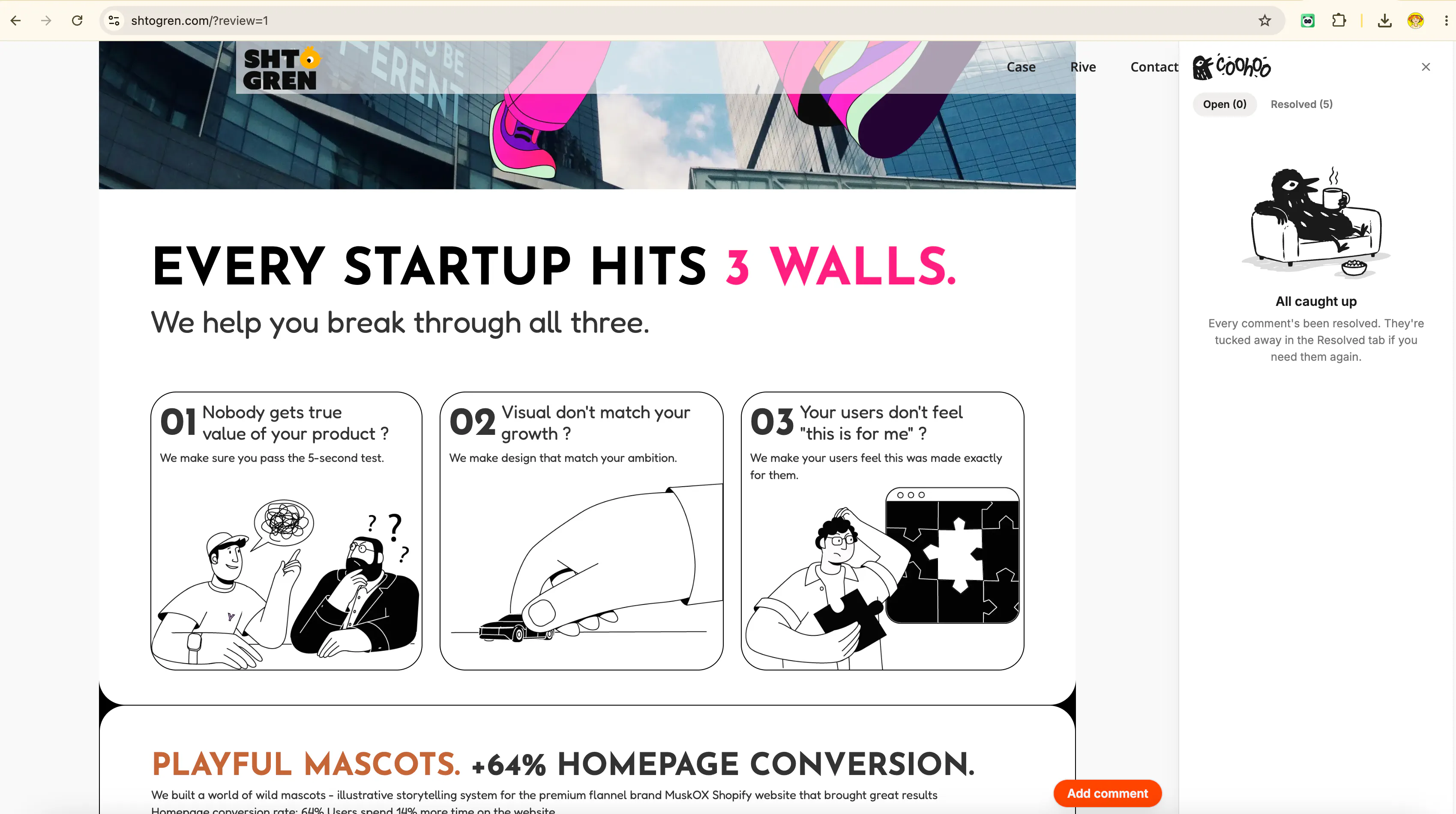
But Coohoo shifts the navigation section of my site somehow in Chrome browser
If you visit original site - there it no shift, in Safari with Coohoo there is no shift as well
P.S. I`m not that smart in adding custom code - but I followed Claude instructions of adding Coohoo script to the footer on my Webflow site and it looks like it still working only on the home page (but I can guess that problem can be on my side - maybe I did something wrong.
Report
Maker
Hey Julia,
Thanks so much for testing.
On the Chrome nav shift: I think I know what's happening. Coohoo injects a small element into the page, and if your navigation is a fixed/sticky header, that injection can nudge it in Chrome while Safari handles it differently. It's on my list to fix so the widget never affects your layout.
On the Webflow install:
Site settings → Custom code → Footer code: paste the snippet there and publish. It loads on every page of your site. Then add ?review to any page’s URL to start pinning.
I'm adding this to an FAQ section asap so nobody has to guess :D Thank you!
Report
Maker
Hey, @julia_shtogren Please check the URLs on those pages. They should end with ?review. If they don't, just add ?review to the end. I just checked your website, and it works for me
Report

How does pricing work if you're working with a few external clients at a time, and do the shared links expire after the project wraps up?
Report
Maker
Hi @fatihpeketekno
Great question, that's basically who I built this for.
The plan is to keep Coohoo free. A freelancer or small agency shouldn't hit a paywall to collect feedback, so instead of charging there's a tip jar. If it saves you a review round and you want to keep the pigeon fed :D , you can chip in. Support, not a subscription.
Nothing expires on a timer, because the feedback layer lives on your own staging site via the script tag you install. It stays available exactly as long as the snippet is on the page. When a project wraps, you remove that one line and the comment layer is gone from the site. You're the one holding the off switch, not a countdown on my end. (Archiving in the dashboard just tidies a finished project out of your active list, it's for your own organizing.)
Cheers!
Report

How does the pricing work once you go past a few reviewers — is it per seat or based on the number of comments on a project?
Report
Maker
Hello@emrahs64657
My plan is to keep Coohoo free and support the product through donations, just like WINRAR does haha.
Report
Thanks for the review! You nailed exactly what I was going for. And here's a fun secret: the drops already do that. There will be more fun updates and animations in the near future. So keep using Coohoo, and you'll see what's coming. 😄