
ChatToWord
Turn AI chats into real documents
2 followers
Turn AI chats into real documents
2 followers
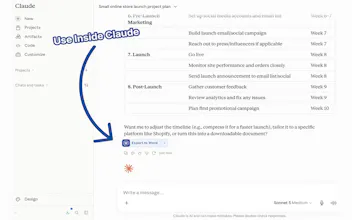
Paste from ChatGPT into Microsoft Word and the headings turn into hash symbols. With ChatToWord: you paste the answer, download a realdocx. PDF, Excel/CSV, and Markdown too - nothing gets uploaded, all done in your browser! The ChatToWord Chrome extension puts Export to Word under ChatGPT, Claude, and Gemini replies.The site and extension are free with a pro tier available for larger scale exports!



Free
Launch Team

Framer AI AgentsDesign and publish professional sites with AI
Promoted
