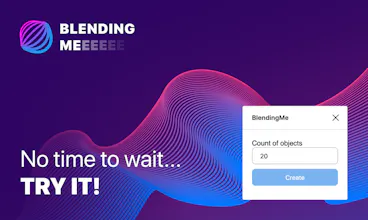
BlendingMe plugin for Figma
It's a best way to create blend from two lines or shapes
1 follower
It's a best way to create blend from two lines or shapes
1 follower
BlendingMe it's the best way to create a blend for two lines, ellipses or rectangles. You can change blending path, colour, stroke weight and opacity in REALTIME while plugin is working. When you'll be satisfied with a result, just click Done. That's it!