Better Go to Line/Column
Adds more features and overrides Go to Line/Column
1 follower
Adds more features and overrides Go to Line/Column
1 follower
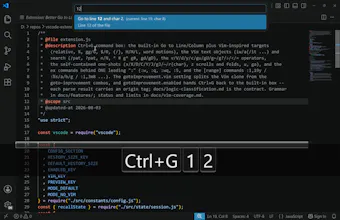
How to use: Open the Go to Line/Column box (Ctrl+G). Type a line, a column, a relative jump, a percentage, or a Vim motion. Examples: 42 -> line 42 42:8 -> line 42 column 8 +5 -> 5 lines down -5 -> 5 lines up 50% -> middle of the file 12j -> 12 lines down 12k -> 12 lines up ciw -> change word under cursor d% -> delete to matching bracket /pattern -> jump to next match :10,20sort -> sort lines 10 to 20.. and other commands copying Vim. It's free.