
Audio Splitter
One tab. Every speaker. No cables.
2 followers
One tab. Every speaker. No cables.
2 followers
Audio Splitter captures audio from any Chrome tab and routes it to multiple output devices at the same time — Bluetooth headphones, wired speakers, USB DACs — without virtual audio cables or system changes. Built this because my household had one laptop and two people who wanted different audio. Now we both listen to the same YouTube video on our own headphones. Free tier: 2 simultaneous outputs. Pro: 5 outputs, per-device EQ, channel splitting, and delay compensation.
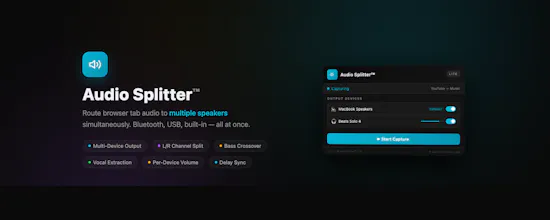


Please check I have also released a native Mac app for advanced features like 2 audio source inputs to one headphone: one audio to left ear, and another audio to right ear.
Free chrome extension to install: https://chromewebstore.google.com/detail/audio-splitter-lite/ndfgdcbhnchkpfdkinkkgmaodkpahgch