

Video Gallery for WooCommerce
Add videos to WooCommerce products with style and ease
6 followers
Add videos to WooCommerce products with style and ease
6 followers
I originally built this plugin as a quick solution for a friend who needed an easy way to add videos to WooCommerce products. I decided to release it for free and it unexpectedly started growing on its own without any marketing. It reached over 3000 active installations and received great feedback. With version 2.0 I redesigned the interface, improved the performance, and introduced a premium version with more advanced features.





This looks like a really useful tool for WooCommerce stores! Adding video galleries directly to product pages can make it much easier for shoppers to see products in action and feel confident before buying — video has been shown to boost engagement and trust.
i'm curious how customizable the layout and playback options are for different product types.
@suvinlee_trav
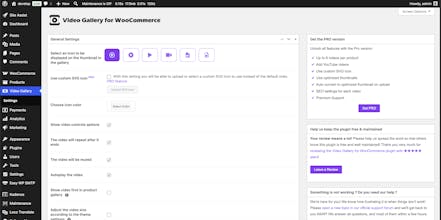
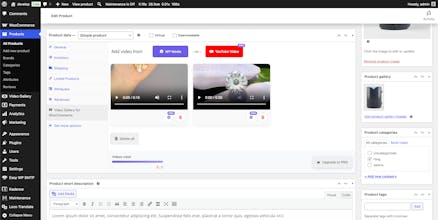
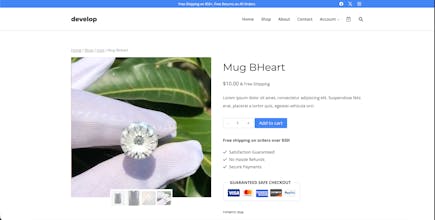
Thanks! The plugin gives store owners a lot of control over how videos appear and behave inside the product gallery. If you have multiple videos, you can choose whether they show at the start or at the end of the gallery, so they fit naturally into your existing product images.
You can also customize the video play icon by changing its color or even replacing it with your own SVG icon to match your brand.
On the playback side, all the key options are there: start muted, loop after ending, autoplay, and other common player controls. This makes it easy to fine tune the experience depending on the product type, whether it’s a short promo clip, a demo, or a longer tutorial.