Peek - The Ultimate Quick Look Extension

Peek - The Ultimate Quick Look Extension

Text copying, scroll restoration, syntax highlighting & more

16 followers

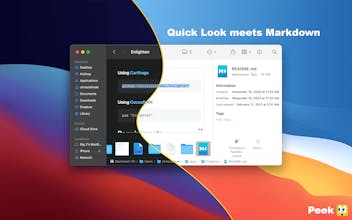
Accelerate your workflow with the Quick Look conveniences that only* Peek can deliver: copying, searching, jumping, restoring, syntax highlighting, & more. *Functionality not otherwise commercially available anywhere else within the continents of Earth.
Peek - The Ultimate Quick Look Extension gallery image
Payment Required
Launch tags:Mac•Productivity•Developer Tools
Launch Team
agent by Firecrawl
agent by Firecrawl
Gather structured data wherever it lives on the web
Promoted

What do you think? …

Christopher Zielinski
Ever since the banning of the infamous QLEnableTextSelection in 2015, the macOS community has been lurking in the depths of the deep for six long years seeking a suitable replacement to quench their previously attainable levels of convenience. Enter Peek: not the hero we deserve, but the hero we need—with text selection & copying, scroll restoration, syntax highlighting, & Github-flavored Markdown rendering. The world as we knew it would no longer exist. The meek, forbearing world of non-interactive Quick Look previews is no more, for we want… nay, we expect a better [user] experience. So to a world that demands ever-more harmony, I introduce Peek.
Quinn Comendant
I didn't know I couldn't live without this. I also explored the alternatives: iPreview, glance, and the various native quicklook plugins, and Peek is far ahead of all of them. Easily worth the $8. One downside is that it is not open-source (at least, I couldn't find it on github).
Bart Zalewski
Awesome product, productivity boosted 🔥
哇哦

The support has been abandoned? And there has been no updates for three years.

Someone

@samuelfei I believe it doesn't work under Tahoe anymore. Ca you confirm this?