Pawvis lets you control your Mac via touchless gestures from your webcam through locally processed AI. It currently supports mouse operations, but also working on additional gestures for things like switching virtual desktop or quickly re-arranging windows.
What gestures or actions would you most want to see in a product like this?
Pawvis
Cheers, Product Hunt!
I'm Alexandria, the creator of Pawvis. I made Pawvis because I wanted to use my computer the way we'd been promised for decades that we would in the future. Pawvis reads your hand through the webcam and lets your control your mouse, manage windows, and bind custom actions to any gesture (even user-trained). Dip a finger to click, fold middle and ring finger in like you're slinging web pages up and down to scroll, dip your pinky in to right click - these are the initial primitives but only the start, and all tracking is performed on-device with code you can read/clone/build yourself from the open source repo.
While I've seen other concepts for hand/gesture tracking through video and voice control none had hit the mark of where I felt that technology could go from a usability and extensibility standpoint.
A good input mechanism needs to be frictionless, it needs to be intuitive, and it needs to be able to adapt to the unique user using it when possible.
Pawvis tackles this through opinionated but configurable gesture mapping, aggressive optimization to make a capable detection process work smoothly and privately on your local machine, and fully user specified custom trained gestures tied to any action you want to make things like window management or launching apps and shortcuts a breeze.
I also added voice control (using Apple Intelligence) to further round out touch points, which supports its own native agent control harness or can hand computer use tasks off to Claude Code or Codex (if you set that up and have them installed).
Pawvis provides the an ideal blend of utility, technology, and whimsy - and I hope you all enjoy using it as much as I have! Let me know if you have any thoughts or questions, and feel free to clone it (it's open-source MIT licensed) or issue any PRs/issues you think might take it to the next level.
Excelsior,
Alexandria
@heresalexandria Great!
How'd you tune it to feel precise instead of laggy/twitchy like most webcam hand-tracking demos?
Pawvis
@yashekbote thank you!! Short answer, trial and error with tuning and addition of things like customizable and user trainable gestures for various actions.
Some of the more technical considerations made were:
1. Fixing the raw camera signal by disabling Center Stage, locking the camera to 30fps, and capturing native YUV to prevent blur from free-running camera and uneven frame times.
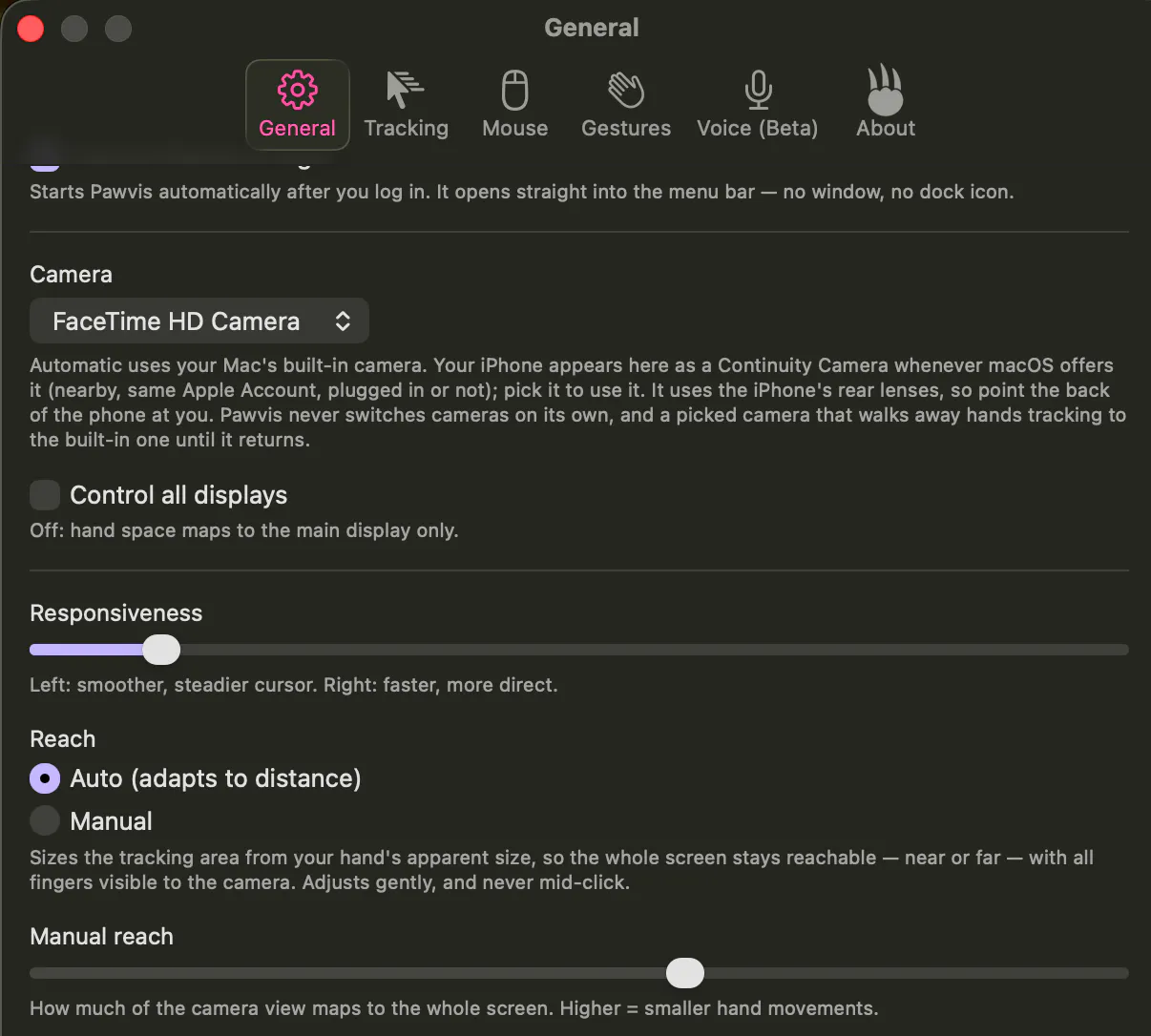
2. One Euro filter applied to every joint to smooth hard when the hand is slow and light when the hand is fast, to remove jitter at rest and lag in motion.
3. By default, the cursor rides the palm rather than a fingertip or intersection of joints, giving much more stable and predictable behavior than tracking a finger or pinch
4. Finger dips to measure clicks are measured against neighbors, ensuring whole hand tilt doesn't click, with hysteresis band and two-frame debounce in both directions
5. Wobble is discarded, ensuring quick release of click gestures don't miss the intended click point. During press & scroll, the tracking target freezes, and filters reset after losing tracking (e.g. hand moved off screen).
Hope that this is helpful but please let me know if this missed anything or raises other questions!
Excelsior,
Alexandria
local processing is the right call for something that's watching you through the camera all the time. curious about the false-positive side though - if I'm on a video call and gesture naturally while talking (pointing at something, raising a hand to make a point), does Pawvis pick that up as a click/scroll command since it's presumably still watching in the background, or is there some way to pause tracking specifically for calls without fully quitting the app
Pawvis
@galdayan absolutely, local was key not only for privacy but frankly speed for a feature you need running as quickly and efficiently as possible to reduce interaction friction.
Addressing false positives was the most fun part of the product development exercise here, ultimately addressed largely through ensuring gestures that perform actions are distinct as well as highly customizable and user-trainable.
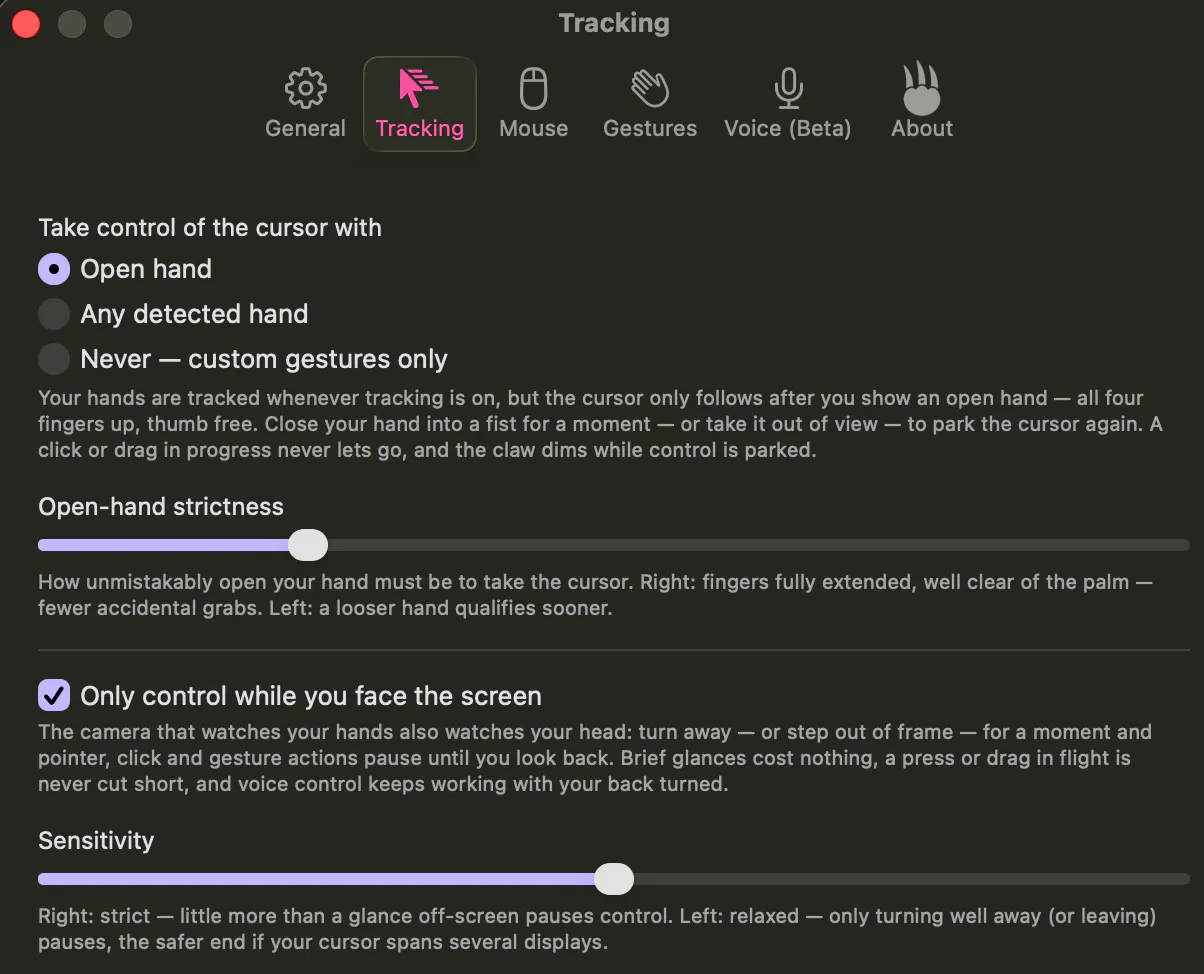
By default, it only moves the cursor when you're looking directly the screen with an open upward facing palm in view (with adjustable sensitivity for all triggers). A click is registered by dipping just your pointer finger down towards your palm (as if clicking an invisible mouse in the air, but exaggerated) with the rest of the palm still open/splayed - a relatively unique motion.
All default tracking gestures were designed around the principle that they should start from the open palm and be fairly intentional movements - right click defaults to dipping your pinky in similarly to ensure maximum error boundary from other finger tracking, and scroll is triggered by dipping middle and ring finger in (sort of like you're a superhero shooting a web while scrolling websites).
Tracking is paused any time an open facing palm or face looking at the screen aren't detected (with configurability for use cases like broader angle of acceptability if you have to look across several external desktops to the left/right).
And finally, the fully user-trainable custom gestures (and out-of-the-box custom gestures like "shaka") can be as unique as your imagination allows, letting you bind motion that would conceivably never (or at least nearly never) occur without intention.
Let me know if that raises any other questions and hope you have fun using the app!
Excelsior,
Alexandria
@heresalexandria that's a more elegant answer than a dedicated hotkey honestly, if it only moves the cursor when it sees an open palm facing the screen, normal talking-with-hands gestures during a call just won't match that shape anyway. good to know it's already handled by the gesture design rather than something I'd need to remember to toggle. thanks for the detailed walkthrough
Pawvis
@galdayan of course, appreciate the question and the thoughtful feedback!
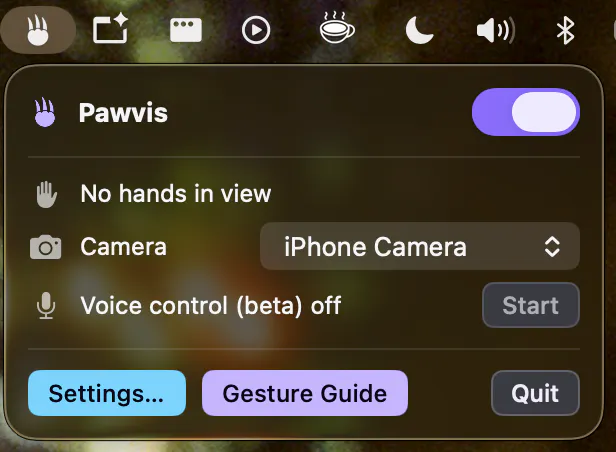
Does it work well using your iPhone as a camera?