
Dockhand
Docker management for everyone
156 followers
Docker management for everyone
156 followers
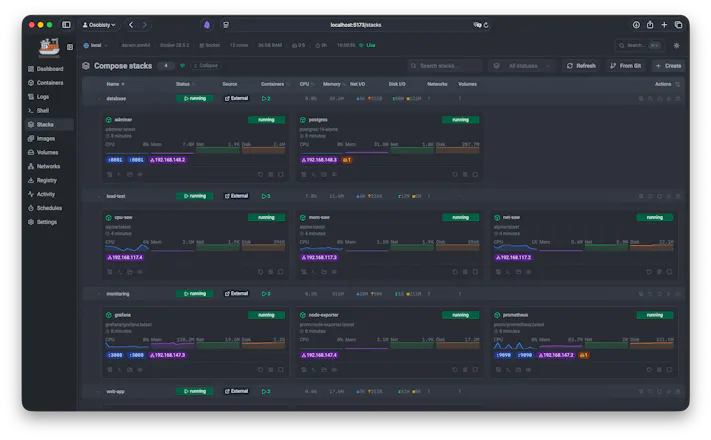
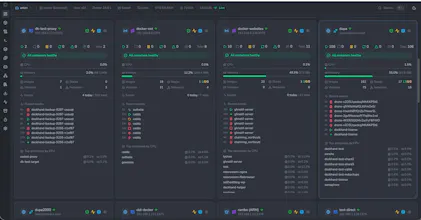
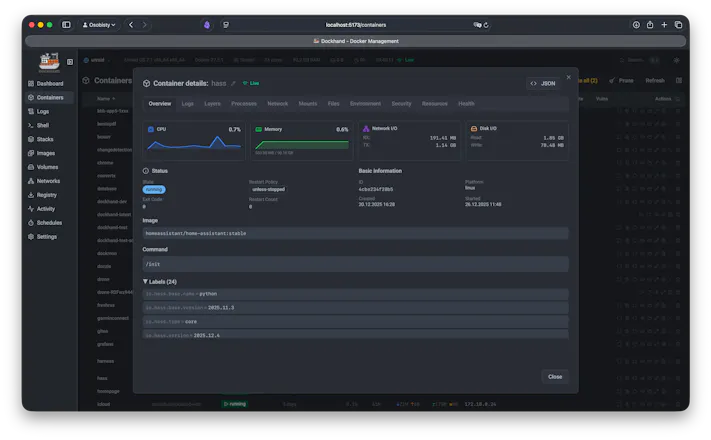
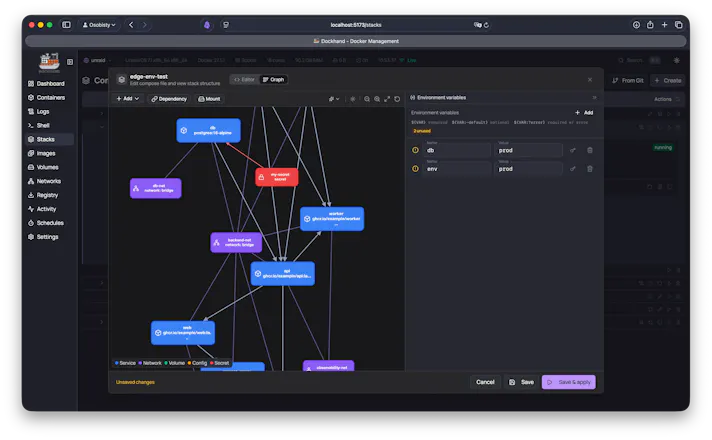
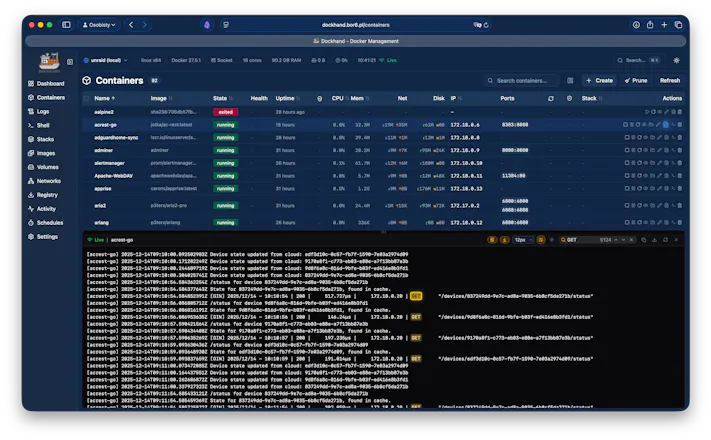
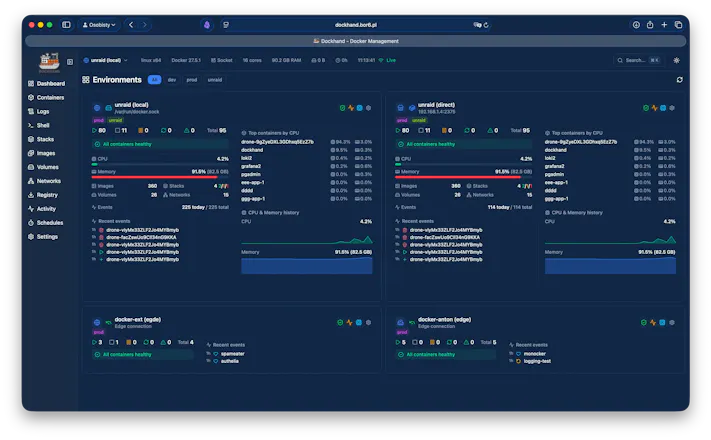
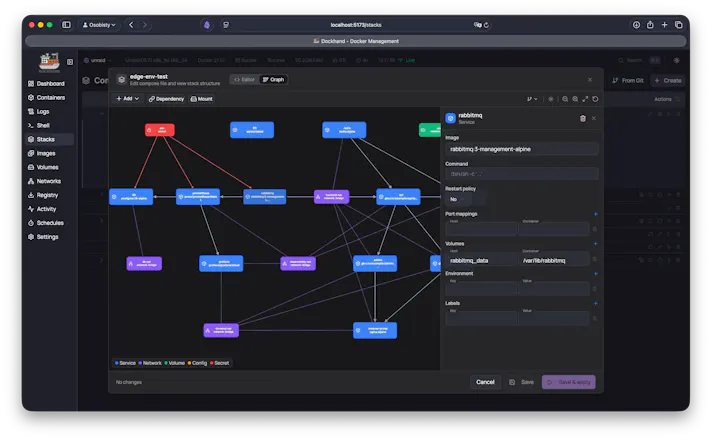
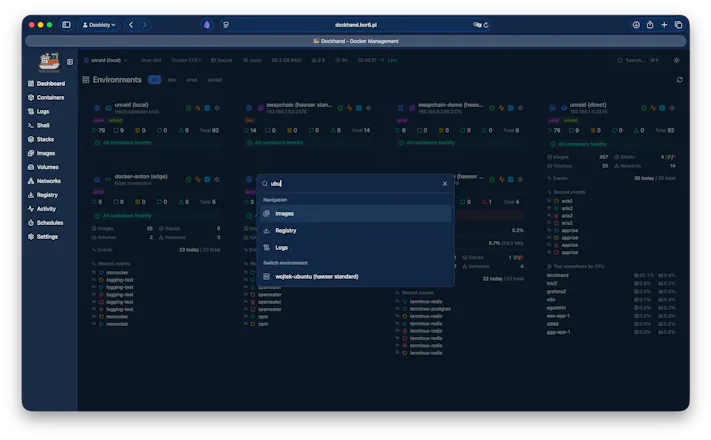
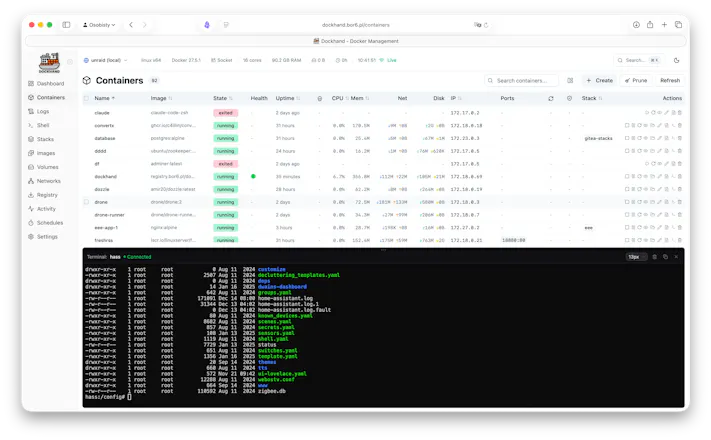
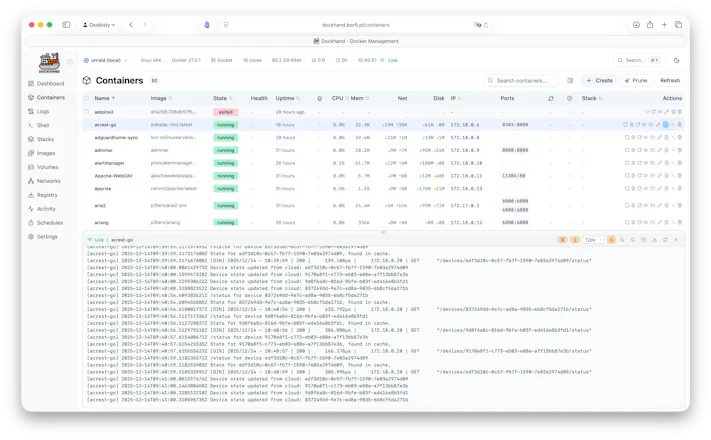
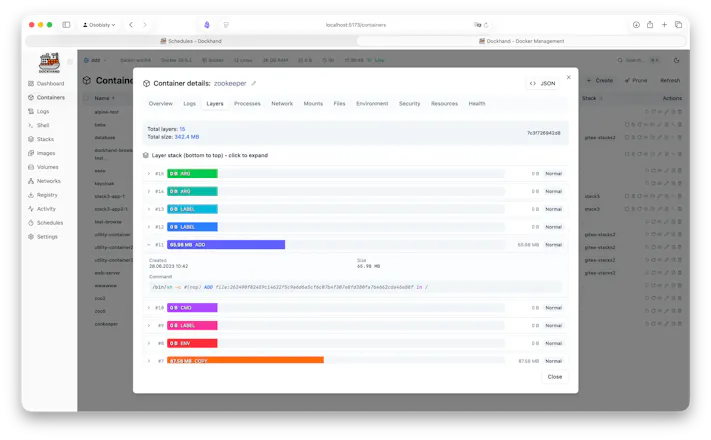
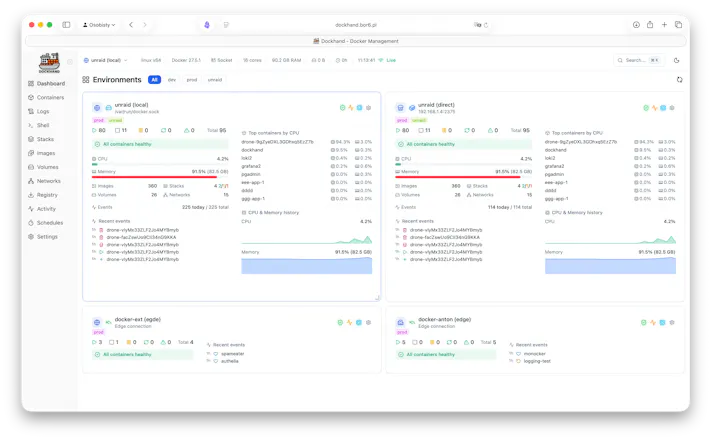
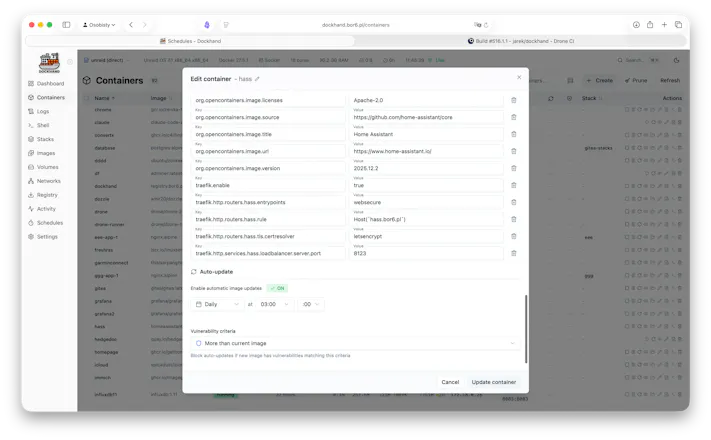
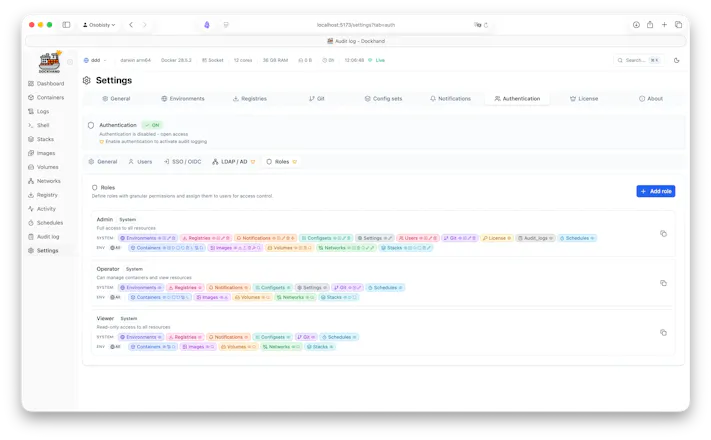
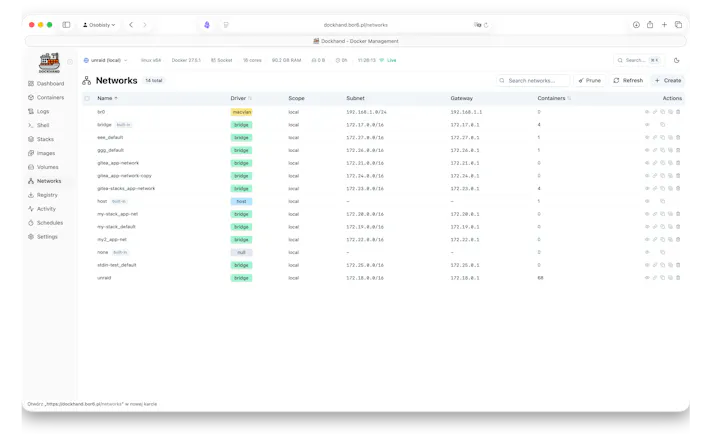
Docker manager for one host or a whole fleet. - Manage local, remote TLS, and NAT'd/VPS hosts from one UI - Deploy & update Compose stacks, incl. from Git with auto-sync - Live logs, metrics, and an in-browser container shell - Scan every image for CVEs (Grype/Trivy) before it ships - Inject secrets from 1Password, Vault, Infisical, Doppler - Encrypted backups to local, S3, or GCS - Semver update badges with release notes - SSO, LDAP, and role-based access Hardened and free.



















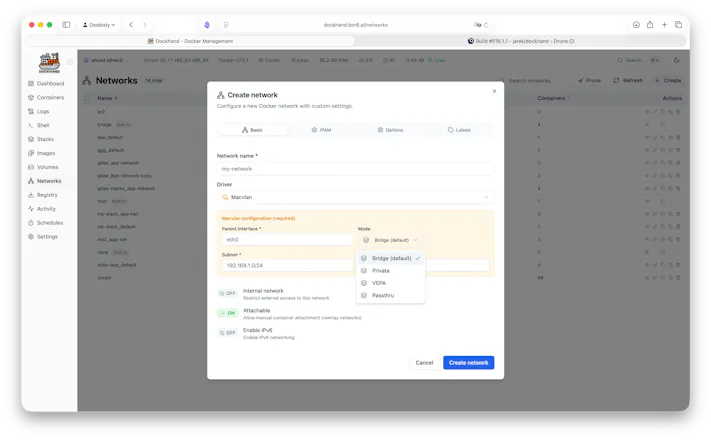


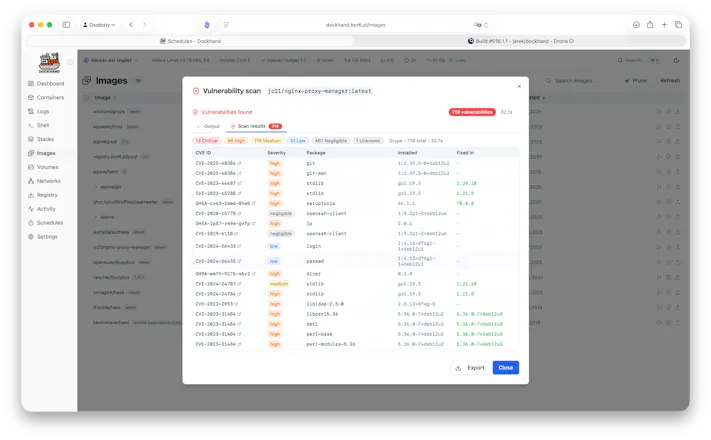

Hey Product Hunt 👋
We have built Dockhand because managing Docker across a homelab or enterprise meant juggling terminal tabs, half-abandoned dashboards, and SSH sessions - and none of them did everything we needed in one place.
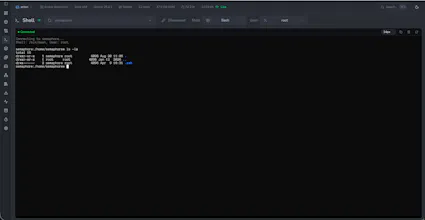
So Dockhand is the tool we wanted: one clean UI for every host (local, remote, or NAT'd behind an agent), Compose stacks you can deploy straight from Git, live logs and an in-browser shell, CVE scanning before anything ships, and secrets pulled from 1Password/Vault/Infisical/Proton Pass without ever touching disk. Self-hosted, security-hardened, and free for personal use.
It's actively developed and we'd genuinely love your feedback - what would make it a keeper for your setup? Happy to answer anything in the comments.
interesting, what's your tech stack?
@paul_from_dentro svelte on nodej.js, and goland for the remote agent (hawser) https://github.com/Finsys/hawser
what would make it a keeper for me: the CVE scanning before ship. We run a handful of small services and half our "known issues" are CVEs in base images we can't easily rebase without breaking something else. Does Dockhand just flag those every time, or is there a way to accept/allowlist a specific CVE on a specific image so it stops nagging you about something you've already decided is an acceptable risk? That distinction is usually what makes people ignore a scanner entirely after week two.
@galdayan a whitelist of CVEs is on the roadmap.
@jarek_k good to hear, that's the feature that decides whether we keep using it past week two. one thing worth thinking through when you build it: will the allowlist be scoped per-image, or global across the fleet? global is faster to set up but it's also how a genuinely new CVE in a different image quietly gets ignored because it shares a CVE ID with something you already accepted elsewhere.
Managing Docker across multiple machines can get messy fast. Nice to see everything brought together in one clean interface.