
PC_Workman 1.8.0
Stable realtime system monitor that learns your PC over time
4 followers
Stable realtime system monitor that learns your PC over time
4 followers
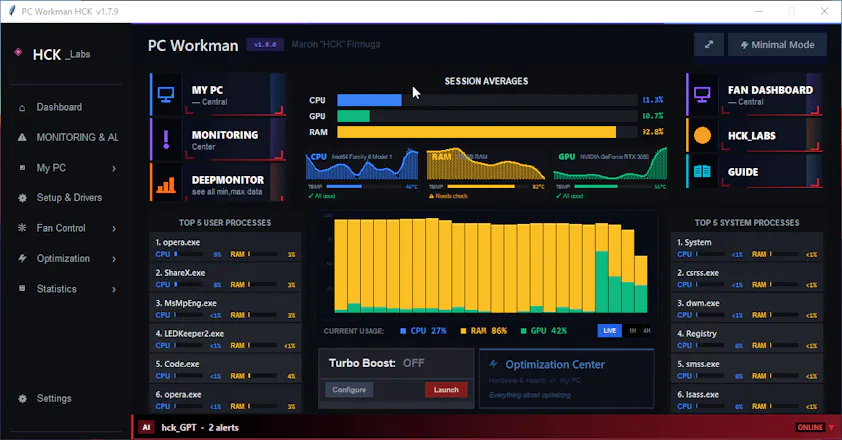
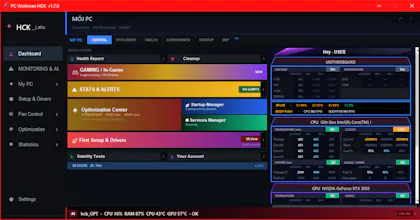
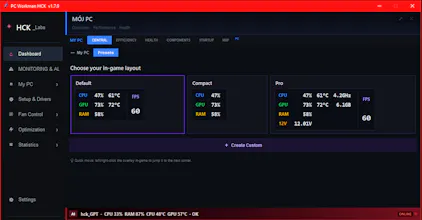
AI-powered PC monitoring that explains what's happening, not just shows numbers. Voltage spike? CPU on 90%? PC Workman will show WHY and Explain! Features: - Time travel monitoring,debug issues from hours ago - AI diagnostics with HCK_GPT - Custom fan curves with profiles - Floating always-on-top widget - 2D system map - Cross-GPU support (NVIDIA/AMD/Intel) Built solo on dying hardware. 680+ hours. Four rebuilds. 24,000 lines of code. Free. Alpha v1.6.3.
Free
Launch Team / Built With


Render: Get up to $100K in startup creditsThe fastest way to launch and scale your startup in the cloud
Promoted
Hey Hello! You know that moment when "quick fix" turns into 3 weeks of deep work? Yeah, that happened.
Started with: "Let's fix the chart data system" (estimated: 1 days)
Ended with: Complete rebuild of PC_Workman 1.6.8
What changed:
Built HCK_STATS_ENGINE from scratch
New data aggregation pipeline - hourly/daily stats, SQLite with WAL mode, crash-safe transactions. Real historical data instead of temporary placeholders.
Made AI actually intelligent
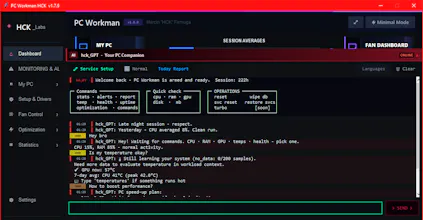
Context-aware assistant that learns your patterns. "Good morning, CPU spiked yesterday at 3 PM, Chrome again?" Knows when you game, work, or just browse. Proactive, not reactive.
70% performance boost
Main loop: 300ms → 1000ms. Widget pooling instead of destroy/recreate. Background threading for heavy telemetry. Canvas rendering orders of magnitude faster.
Fixed 2 critical bugs
Data aggregation multi-tier fallback (no more double-counting). Telemetry sanitization (system noise filtered out, 100% CPU cap).
Polish everywhere
Consolas mono-font, purple accents, defensive coding with winfo_exists() guards, deleted 500+ lines of dead code.
PC_Workman v1.6.3: First .EXE Shipped After 6 Months of Solo Development
First time I packaged 680+ hours of solo development into something real people can actually download and use.
The journey:
December 22: Deleted 16,000 lines at 3 AM (wasn't good enough)
4 complete UI rebuilds
6 months of iteration
Yesterday: First .exe shipped
What changed immediately:
Real users found real bugs
Fixed them same day
Started real feedback loop
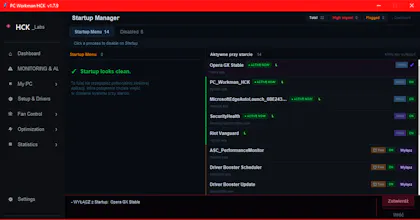
What PC_Workman does: Unified system monitoring (GPU, CPU, RAM, services, optimization, cleanup)
does what 3 separate apps do, in one place.
Really thank you for upvotes. I working for you users! <3