
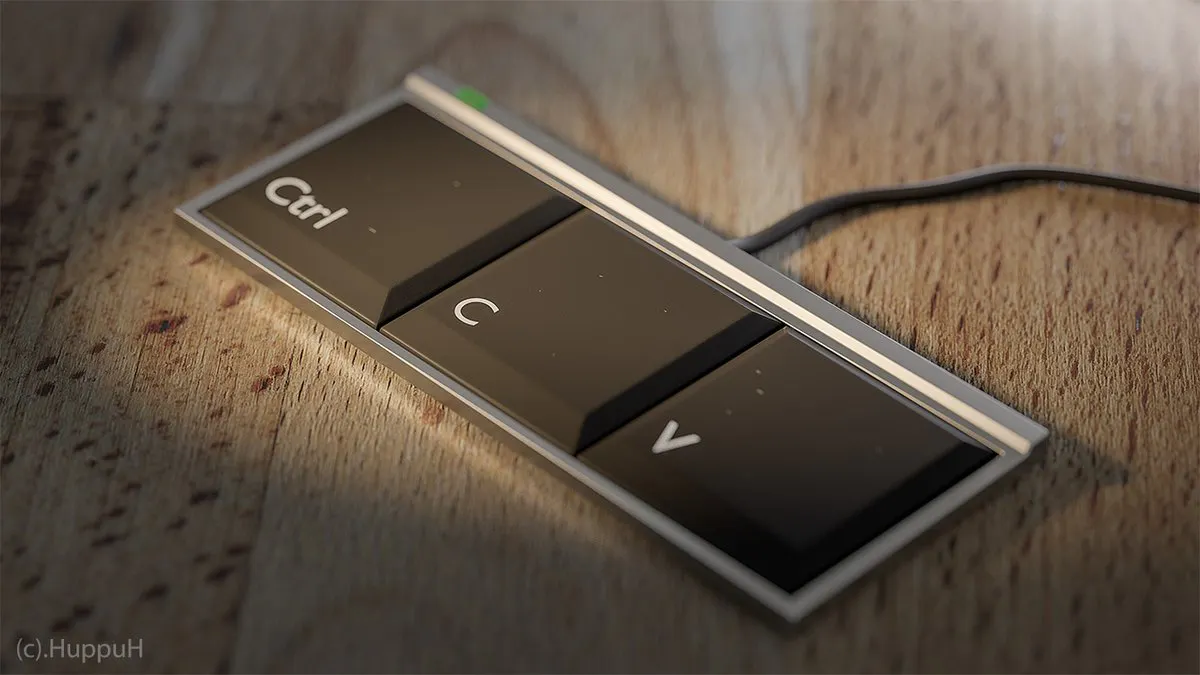
Stack Overflow just released a keyboard. 🐥
You can save a lot of time if you leave your hands on the keyboard. Secret: this is how Superhuman makes emailing 2x faster. And so, it's no surprise that Gaurav from the Superhuman team asked:
Which apps offer a great keyboard shortcut user experience? 🤔
The community responded with these:
🖥 Magnet & BetterSnapTool: Use keyboard shortcuts to move/resize windows around the screen. Both of these are amazing
⌨ Keyboard Maestro: Conduct your Mac like a pro. Arun says: "Keyboard Maestro is crazy awesome. I have been using for an year now for a ton of automation and hotkeys."
⚡️ aText: It's like text-replacement, but super easy to modify, with the ability to add custom fields. Accelerate your typing.
👻 Ghost Browser: The productivity browser for tech pros. It has keyboard shortcuts for some of the most niche developer use cases that exist.
😏 Cheatsheet shows you available keyboard shortcuts in your current application.
🎩 Alfred: Will make you never use your mouse again.
Yesterday's Top Products

 40 •
40 •
 Web App


