
Monday, Jun 23
Presented byEney by MacPawFocus mode: engaged
gm legends, happy Monday.
Today’s highlights: hands-free performance eyewear that streams live insights into your workout; a menu-bar sidekick that never forgets what you copied; and a camera hack that merges dozens of raw frames for DSLR-worthy snaps.
Pour your coffee, clear the backlog, and let’s crush this week.
P.S. Launching soon? We’d love to hear about it → editorial@producthunt.co 🫶
Clipboard lifeline
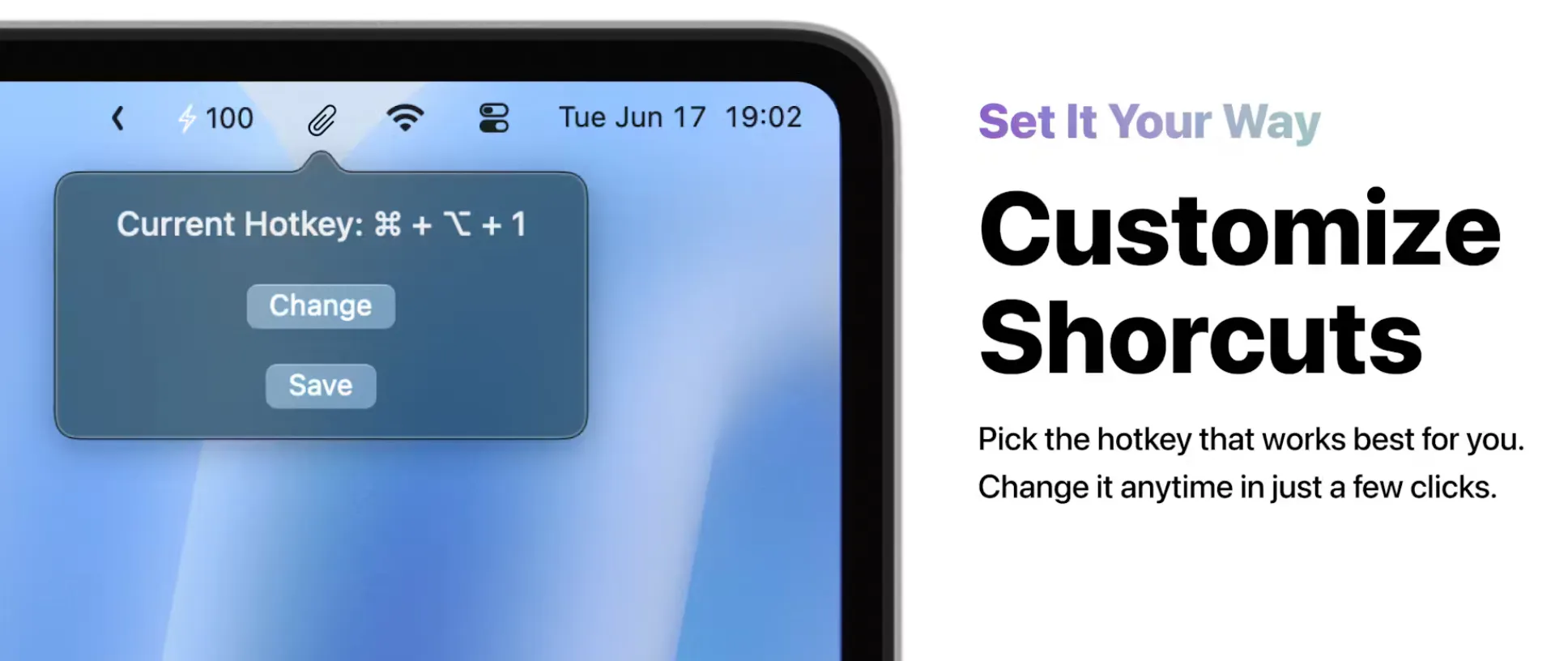
Clipgo quietly archives everything you copy on your Mac, letting you drag, drop, pin favorites, search fast, and purge junk so you never scramble hunting for that link or snippet.
🔥 Our Take: I used to panic when I lost a code snippet or URL mid-work—Clipgo fixed that. It mostly stays out of sight until you need it, then delivers exactly what you copied ages ago. Beware hoarding mindlessly: clean out the junk now and then or the list gets messy.
Focus mode on

Oakley Meta Glasses pack hands-free video, open-ear audio, water resistance, decent battery life and camera, plus live AI feedback in a sporty frame. Slip them on and let the tech handle the extras while you stay locked on your move.
🔥 Our Take: Imagine strapping these on for a run and recording without fumbling for a phone, though AI might glitch in chaos and the battery could dip if you push it. They lean hard into “tech athlete” vibes, so expect stares if you wear them casually.
A proactive AI assistant for your Mac
Most work mess is the small stuff: the follow-up that slipped after a meeting, the task that takes six clicks, the context switch that eats your afternoon. Eney, MacPaw's new AI assistant, connects to your email, calendar and files, surfaces what needs attention and helps you act on it, only with your approval. The Eney Preview is open now: join free and get 20,000 credits to put it through real work, no credit card or heavy prompting required.
Pro shots, no gear

Project Indigo is Adobe’s free iPhone camera app that grabs up to 32 raw frames per shot and merges them for cleaner, DSLR-style images with full manual controls, multi-frame HDR, super-resolution zoom and instant Lightroom handoff, no sign-in needed.
🔥 Our Take: Seeing your phone merge dozens of raw frames into a clean shot is insane, but it takes a moment to process, the files end up large, and older iPhones can choke on the workload. If you crave detail and don’t mind waiting, it’s magic.
Can’t work right now—I’m being productive.

Kenedy asked, “Do you ever feel like your tools are working against you?”
Kenedy thinks with all our focus on “productivity,” we may just have gone and “overengineered our digital workflows.” As in, the abundance of tools might…be making us less productive. Whereas we once might have opened our (physical) notebook and scribbled down a few thoughts when the lightbulb turned on, now we have an 18-step process for capturing ideas.
So the bigger question is: Which productivity features are essential, and which are just adding friction?
Daily Top Products


