
Wednesday, Jun 11
Presented byEney by MacPawwho needs duolingo anymore
gm legends, happy Wednesday.
Today’s highlights: a chat sidekick that breaks down language barriers right in your messaging apps; an endless 3D playground where you and your team can riff on models live; and a menu-bar timer that yanks you back from doom-scrolling into focus.
Reload your mug, clear the clutter, and let’s roll.
P.S. Launching soon? We’d love to hear about it → editorial@producthunt.co 🫶
Fluent Everywhere

Bridgely auto-translates your messages in 60+ languages inside Slack, Telegram and LinkedIn. No extra windows, no copy-paste—just seamless chat that feels native.
🔥 Our Take: I used to freeze up before hitting send on a Spanish message, fumbling through Google Translate. Now Bridgely swaps in the right slang and tone so my overseas team actually laughs at my jokes. It feels like I’ve unlocked a secret level of work chat where nobody’s lost in translation.
3D riff fest

Virtuall PRO gives you an infinite browser canvas to type prompts, upload images or multi-view rigs, and instantly spin up and compare 3D models. Your team can jump in live to tweak shapes together—no file chasing required.
🔥 Our Take: It’s like dumping digital clay onto a table and watching your crew riff on designs in real time. I asked for a helmet and had three versions before my coffee even cooled. Just remember to call it a day before you drown in a pile of prototypes.
A proactive AI assistant for your Mac
Most work mess is the small stuff: the follow-up that slipped after a meeting, the task that takes six clicks, the context switch that eats your afternoon. Eney, MacPaw's new AI assistant, connects to your email, calendar and files, surfaces what needs attention and helps you act on it, only with your approval. The Eney Preview is open now: join free and get 20,000 credits to put it through real work, no credit card or heavy prompting required.
Timeblocks that stick

Chunk lives in your Mac menu bar and turns your calendar into literal time blocks. You carve out focus sessions of any length, see Apple, Google and Outlook events in one glance, and get fullscreen alerts when it is time to switch tasks. No extra windows or apps required.
🔥 Our Take: Opening Chunk felt like gluing my attention to the screen. I set a two-hour deep-work block and actually hit it then a fullscreen alert yanked me back from doom-scrolling. This is the first time a scheduling tool did not bail on me by mid-afternoon.
Give your memories a glow up
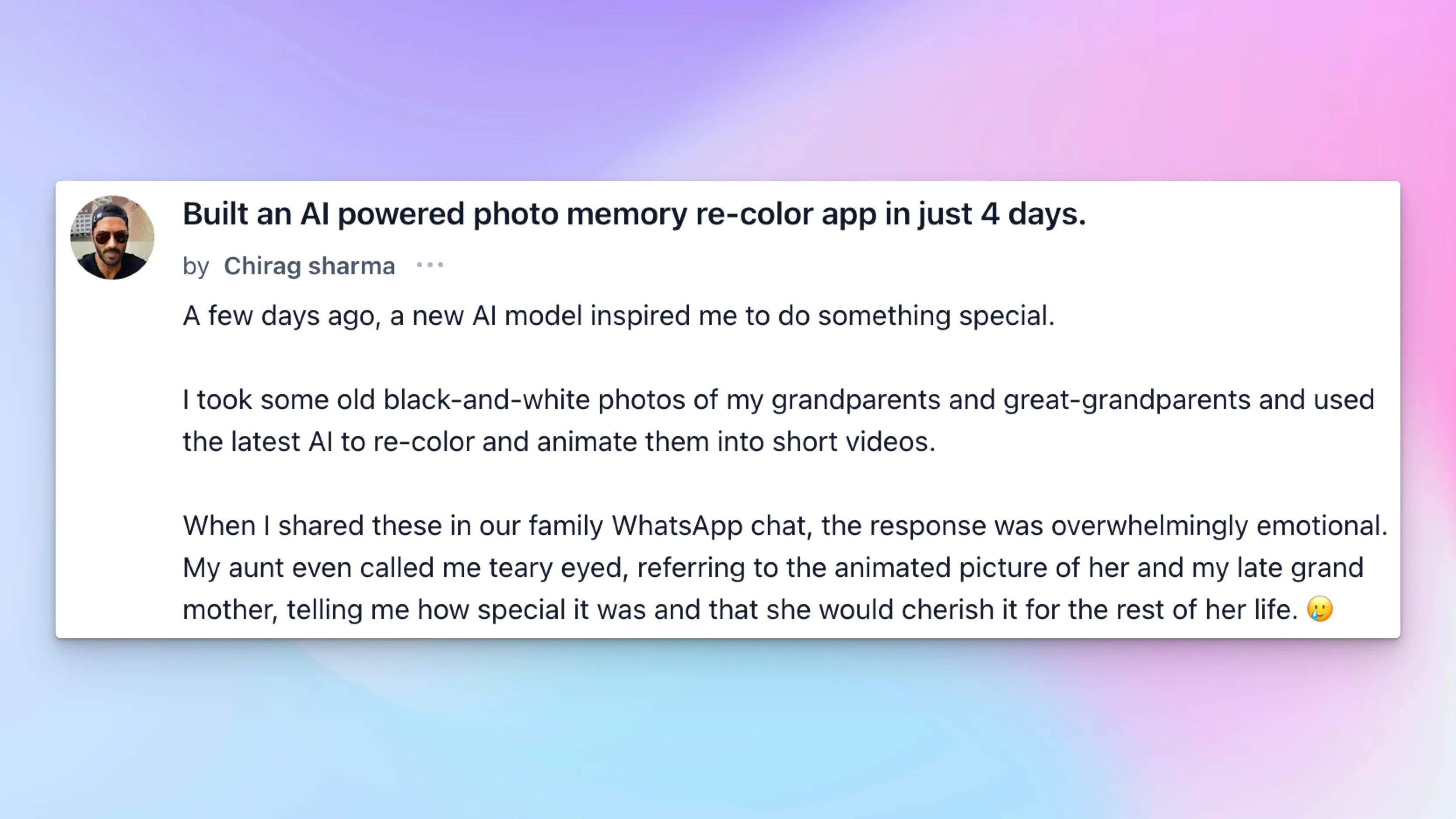
Chirag Sharma’s “aha” moment came when AI colorized his grandparents’ black-and-white photos and even brought his aunt to tears. Fueled by that family magic, he spent four whirlwind days wiring together n8n for workflows, Lovable’s AI for the color spark, and Razorpay so you can pay on the spot—no downloads, no installs.
Just drag in a faded snapshot, hit recolor, and watch decades-old memories bloom in seconds. You get one free recolor; after that it’s pay-as-you-go at cost. A video-ready version is brewing, but honestly, the still-photo time machine already feels like witchcraft.
If you’ve ever flipped through dusty albums wishing those moments had more life, AI-Nostalgia is your browser’s DeLorean.
Daily Top Products


