
Vibe coders get some love
gm builders, happy Friday.
Today’s picks: an AI that holds your code accountable and flags bugs before you do; a doc-like editor that turns your drafts into posts across every social feed; and a zero-friction screenshot tool you trigger with a single keystroke—no tracking, no menus.
Pour the coffee, shake off the tabs, and get into it.
P.S. Launching soon? We’d love to hear about it → editorial@producthunt.co 🫶
Code that never forgets

Cursor’s latest update catches bugs in your pull requests and remembers past context. It also runs Background Agents, edits Jupyter notebooks, speeds up multi-file changes, and adds richer chat, new settings, and one-click MCP installs.
🔥 Our Take: It’s great to have an AI that won’t let you sneak by with sloppy hacks, but now your half-finished PRs and messy notebooks are on permanent display. BugBot will out you before production ever does, and Background Agents won’t let you forget the shortcuts you meant to clean up later.
Screenshots with no excuses

Key Snap grabs your screen with one keystroke. It works entirely offline and never tracks you, so you get fast, private screenshots without digging through menus.
🔥 Our Take: Remember missing a critical bug because you couldn’t be bothered to open a screenshot tool? Now there’s no real excuse. The real kicker is how it forces you to own every pixel; once you hit the key, there’s nowhere to hide that messy mockup.
Your agents stopped answering and started doing
Your agents call tools, write to databases and move money, so a wrong answer is now a wrong action, which is a considerably worse meeting. Arcjet runs policy before every LLM call, tool call, query and API request: prompt injection, sensitive data, bots, rate limits, spend quotas, and your own rules in Rego on top. It reads the OpenTelemetry you already emit, so switching it on is one environment variable, no code changes and nothing to deploy. Each check also reads the earlier steps in the same workflow, so an agent's tenth action gets judged against the first nine and not on its own. JavaScript, Python and Go SDKs all at 1.0, agent framework guards included, free tier to start on.
Docs that post

Publora turns a Google Docs–style editor into a scheduler for over ten platforms. You write in a familiar document, use AI editing or workspace folders when you need them, glance at a calendar view, and even plug into an API if you want to automate.
🔥 Our Take: I actually found myself drafting a tweet as if I were writing a note, no menus, and it felt surprisingly natural. The API access had me imagining custom scripts before I finished scheduling. It’s a bit strange not having a grid of buttons like in other schedulers, but once you get used to typing in a doc, it’s pretty refreshing.
Get featured in this newsletter
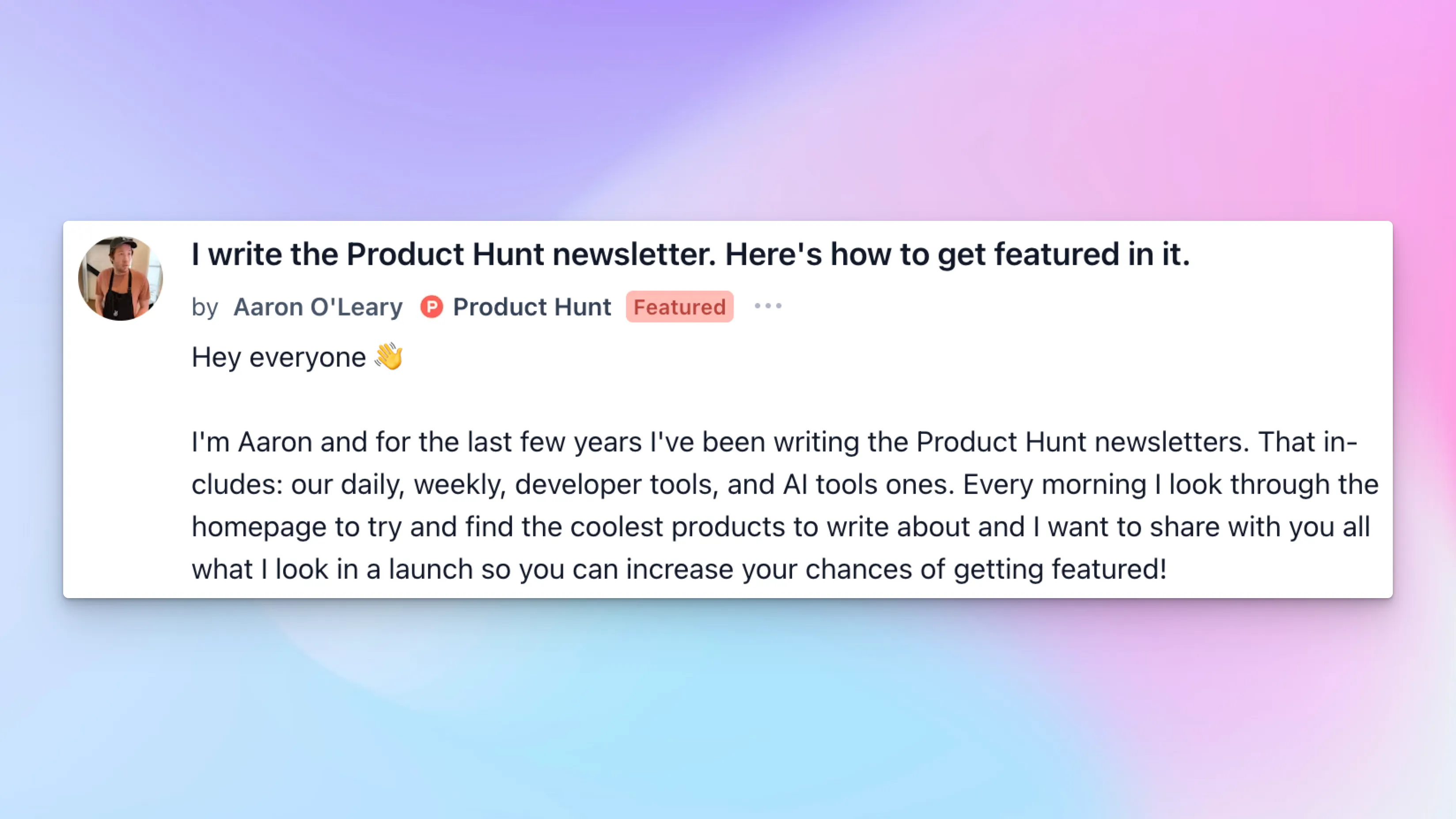
Ever wondered how to get featured in the Product Hunt newsletter? Aaron, the guy behind the words, broke down what he looks for in each launch:
- Uniqueness: If your product feels like a clone, it’s out. It needs a fresh angle—a twist or feature nobody else has tried—so your launch pops from the feed.
- Gallery images: Blurry screenshots or tiny text get skipped immediately. Your visuals must clearly show what you’ve built in high resolution, no guesswork.
- Description: You have two sentences to grab eyeballs. Ditch the jargon, explain the problem you solve, and highlight why your approach matters—fast and focused.
Want the rest of the advice—like crafting a killer Maker Comment and avoiding common launch pitfalls? Head over to the forum post to read the rest of his tips.
Daily Top Products


