
Badges


Maker History


🎉
Joined Product HuntJune 9th, 2026
Forums


Scriptorium 3.49. See what's new.
Hi Product Hunt, ChatGPT, Claude and Gemini answer in Markdown, and pasted into most word processors that turns into a page of # and ** signs. Markdown is a good format, plain text that any computer can open today and in fifty years, but most people don't want to learn it, and most Markdown editors are made for programmers. Scriptorium is a word processor that speaks Markdown: Paste an answer from ChatGPT, Claude or Gemini, or open the .md file it made, and it becomes a proper document, with headings, lists, tables and code. The chat's colours, buttons and citation marks stay behind. Write the way you would in Word, with a ribbon. Scriptorium saves clean Markdown in the background, and Side by side shows the code, with its headings in their sizes and its lines numbered and folded away. Tables that calculate like Excel: type =SUM(D2:D6) in a cell and it works, with 462 of Excel's functions under their Excel names. As in Excel 365, one formula such as =SORT, =FILTER or =GROUPBY fills the cells around it with its answer, LAMBDA makes functions of your own, and tables go to Excel and come back with their formulas, formats and names. Plus maths Excel can't do, such as algebra with letters and exact answers. See the pages as they will print, on any paper from A0 to A5 or Letter, with colours behind the pages, paragraphs and cells that come out on paper too, and make invoices, newspapers, exam papers with their memos, and tables with only the lines you want. An assistant that edits the document itself, reads Scriptorium's own help, and does sums with formulas instead of in its head. Use your Claude subscription through Claude Code, your own key for Claude, OpenAI, Gemini, Mistral, Groq or OpenRouter, or run it free and private with Ollama. Projects: a book with all its chapters and notes, or an exam paper with its memo, in one file. Read aloud, with a Cast that gives each character a voice of their own. Every menu, button and help page in 60 languages, including all eleven written official languages of South Africa, where we make it. It runs on your own computer (Windows, Linux and Android tablets; the Mac version is on its way) and needs no account. Your documents stay on your computer unless you ask the assistant, which sends them to the AI service you chose. Pricing: 14 days with everything switched on, no account and no card. After that it stays a free Markdown reader for as long as you like. A licence is USD 100 once per computer, with every future version free. No subscription. Everything that's new this month, with pictures: https://momoworx.com/scriptorium... I'd love your feedback: Which AI tools do you paste from, and does anything come out wrong? What would you need before switching from the word processor you use now? Thanks for taking a look.Working with AI
How to paste an AI answer into a proper document
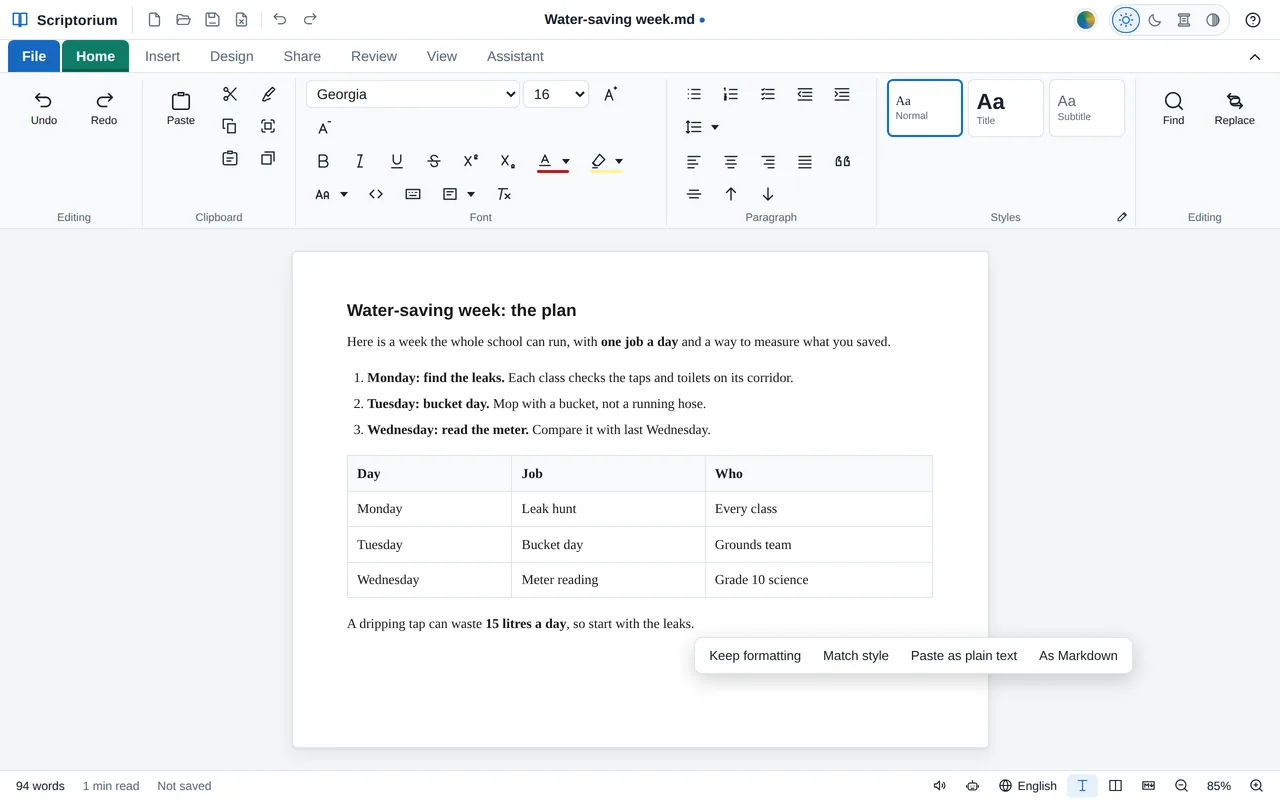
Copy an answer from ChatGPT, Copilot, Claude or Gemini, press Ctrl+V in Scriptorium, and you get a document: headings, lists, tables, code and formulas, without the chat window s clutter.
By the Scriptorium team 5 October 2026 5 min read

Compliance
Decision rules: turning uncertainty into pass or fail
By the Cali team July 12, 2026 7 min read
Every measurement result carries an uncertainty, so the moment you write PASS or FAIL against a tolerance you are making a judgement about that uncertainty. A decision rule is the agreed way you make that call and since 2017, ISO/IEC 17025 ( 7.8.6) has required you to have one, apply it, and report it whenever you state conformity.