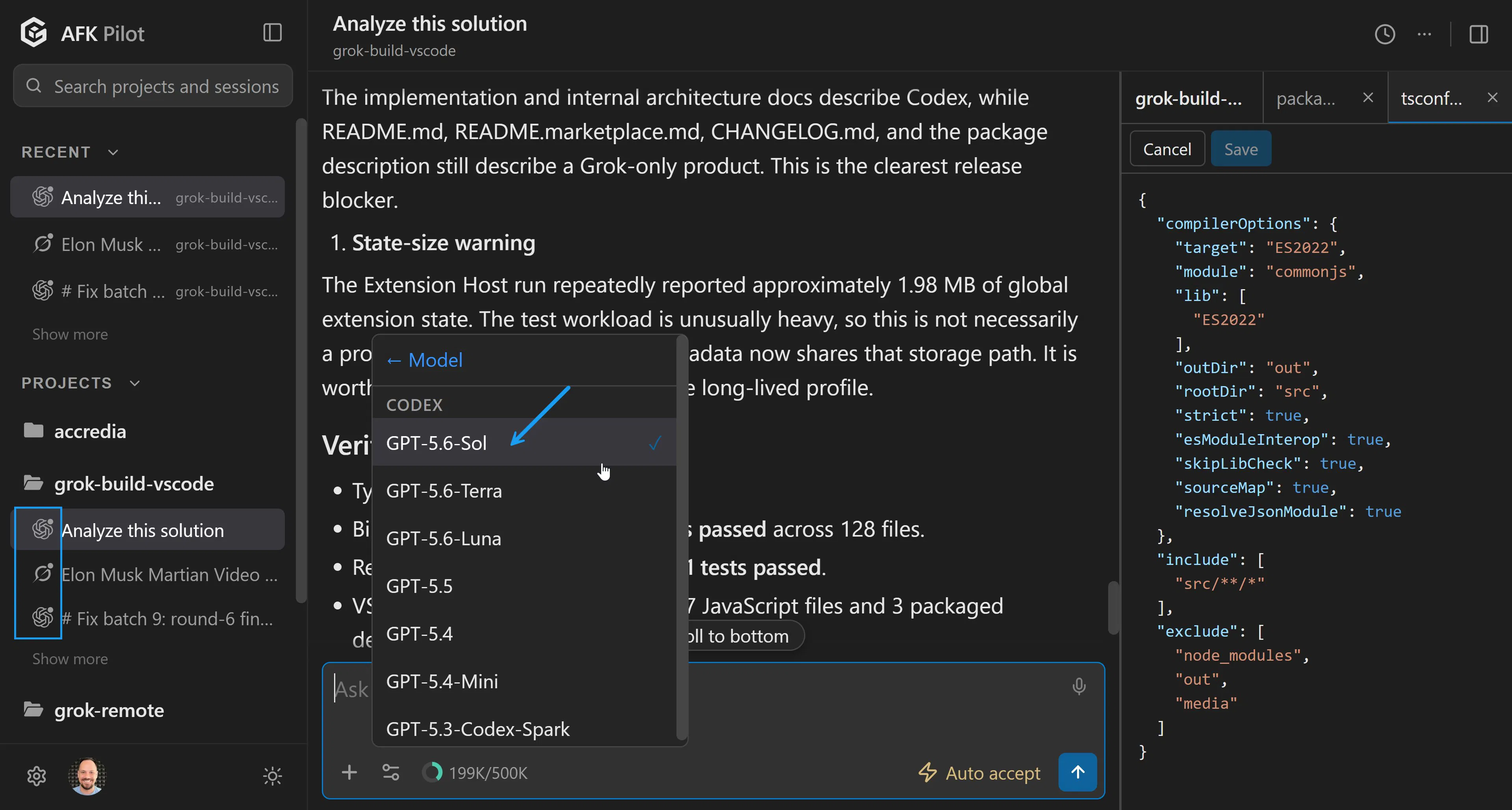
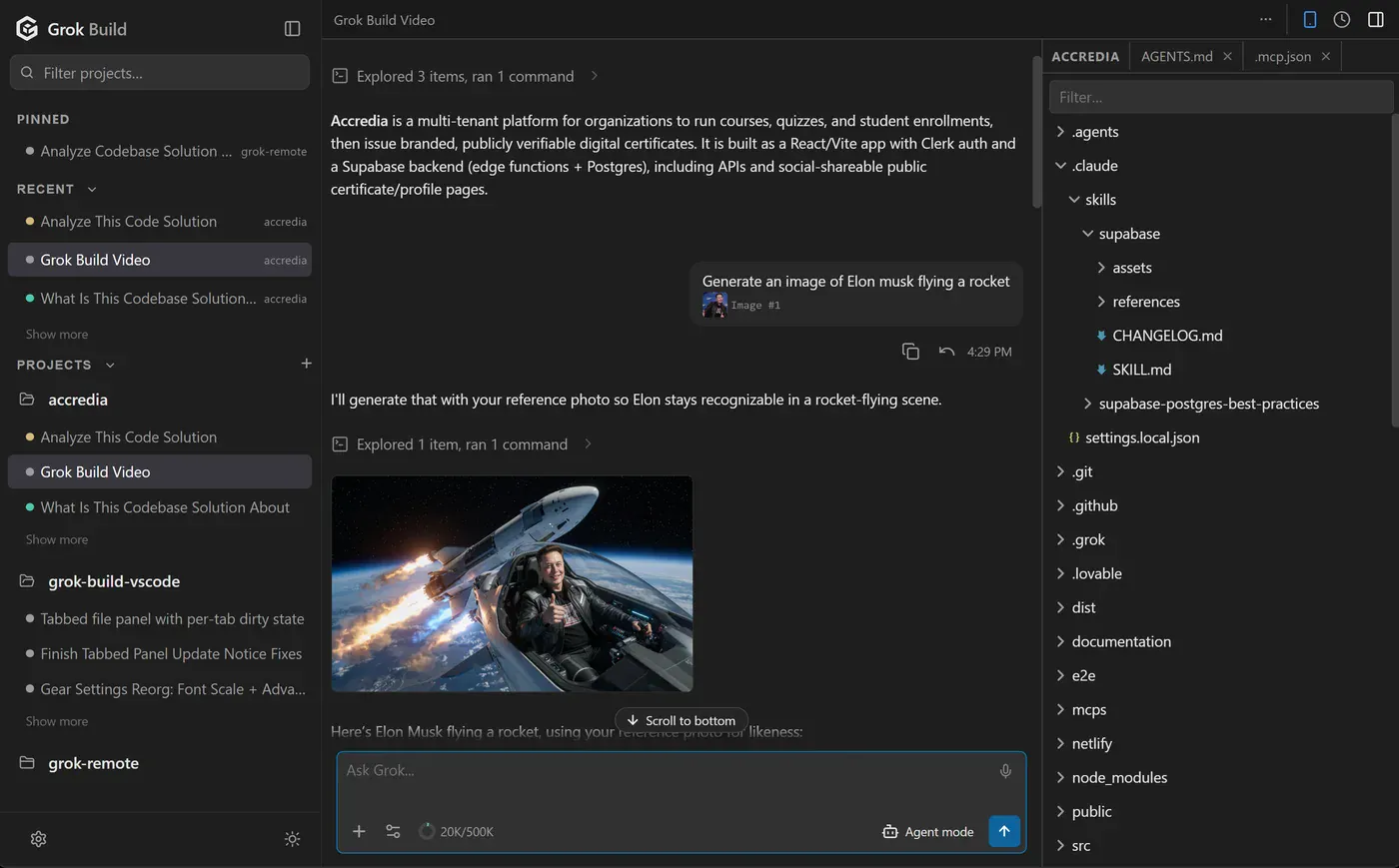
Grok Build GUI (Community) now supports Grok 4.5, Grok 4.6, and OpenAI models.
Bring your own subscription, and you get: - A free, single extension for VS Code, Cursor, etc. - A single dashboard for all projects, sessions, and models - A free desktop app (macOS, Windows) - Full voice control with submit phrase & read aloud - Mermaid & LaTeX + SVG/PNG exports - Imagine images and videos - No terminal (CLI)
I tested every tool with the original harness (Grok Build CLI) + Cursor as an exception:
Zed. Runs it, but the thinnest. No plan mode, no images, no voice, no remote.
T3 Code. Best for engineers who need native (not installable web) mobile apps. No fork, no /imagine, no voice, and you can't steer a running turn.
Cursor. Best if you already pay for it. Can't drive the Grok Build agent, its remote runs cloud agents rather than your session, and it needs its own subscription.
Grok Build (Community). Best for knowledge workers, and for engineers who want the Grok media features (imagine, LaTeX, mermaid) or full voice control. Not affiliated with xAI.
Turns out, a $200/mo subscription can out-ship well-founded initiatives :) Grok Build has 66K+ installs across:
VS Code marketplace: https://marketplace.visualstudio... (17,8K+)
Open VSX Registry: https://open-vsx.org/extension/P... (49K+)
Grok 4.6 just shocked everyone by catching up with GPT-5.6 Sol and Fable 5. Our community extension is the simplest way to use it in VS Code, Cursor, and Antigravity, etc. No terminal required.