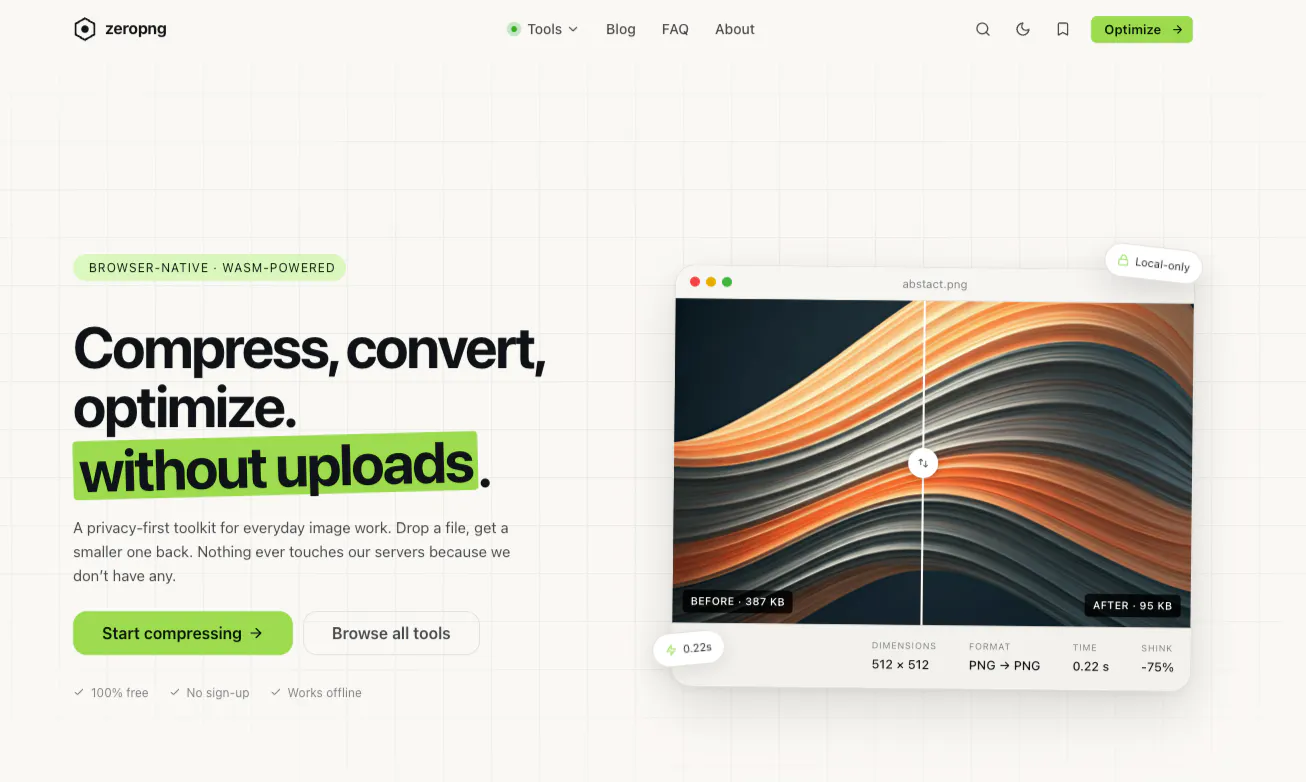
No server, no database, no accounts, no job queue. Every tool runs inside the tab. The reasoning was less noble than it sounds. We were building an image compressor and got to the part where you design the upload pipeline: presigned URLs, a worker to do the encoding, a bucket, a retention policy, and a paragraph in a privacy policy explaining how long we keep your files. Every one of those was a thing that could leak or cost money. So we deleted it. libjpeg-turbo, libpng, libavif, and the AVIF and JPEG XL encoders all compile to WebAssembly. The browser can do the work. It is the user's CPU, the user's memory, and the user's file, and it never becomes our problem. What that bought us: Hosting is a static bundle on a CDN, so marginal cost per user rounds to nothing and the tools can just be free. Not freemium. Free. There is no breach to have, because there is nothing to breach. It works offline. Install it as a PWA, and it keeps compressing on a plane. The privacy claim is verifiable by anyone. Open DevTools, watch the network tab, drop a file, see nothing happen. What it cost us: First load is heavy. WASM codecs are not small and the AI models are far worse. Background removal has to pull a real ONNX model down before it can do anything, and there is no way to hide that. Mobile Safari memory limits are a hard ceiling. A 60 megapixel image does not run slowly, it kills the tab. No server means no shareable result links, no history, no cross-device anything. People ask, and the answer is always no. Every bug is now a client-side bug on a device you cannot reproduce, reported by someone who cannot tell you their GPU. I would make the same call again. I would not pretend the tradeoffs are free. Has anyone else pushed genuinely heavy work into the client and regretted it? I am curious where other people drew the line. Try zeropng.com now
When I built ZeroPNG, it was one tool: compress a image. Drop it in, get a smaller file. That was it.
Over the past few months I kept adding "just one more tool" - and quietly ZeroPNG became something different. Today it has 12 tools, all running entirely in the browser with zero uploads:
Image Compressor - PNG, JPG, WebP, AVIF up to 90% smaller
Image Converter - convert between any format
HEIC Converter - iPhone photos JPG/PNG, instantly
Image Resizer - batch resize with aspect ratio lock
Crop & Resize - freehand or fixed-ratio crop
Remove EXIF Data - strip location, device info, metadata
Watermark - single image watermarking
Bulk Watermark - stamp your brand across a whole batch
Image to Base64 - encode images for embedding in code
SVG Converter - SVG to raster formats
Images to PDF - bundle images into a single PDF
Web Image Analyzer - audit your images for web performance
When we first launched, the focus was purely on functionality, get the tools working, make them fast, keep files off our servers. Design was... secondary.
That changes today. We've redesigned zeropng from the ground up with a cleaner UI, better visual hierarchy, and a look that actually matches the quality of what's under the hood.


 Ai Numerology | Smart GuidanceAncient Wisdom for Today's World