Testing frontend projects against older Chrome or Chromium versions to reproduce browser-specific bugs has always been a bit painful.
Managing multiple versions manually, dealing with legacy web-view behaviours, or trying to spin up old binaries quickly becomes messy when you're deep into debugging.
I was running into this constantly while trying to track down tricky layout bugs on older browser builds, so I wanted something lightweight that lets me download, install, and seamlessly switch between local Chromium versions without breaking a sweat.
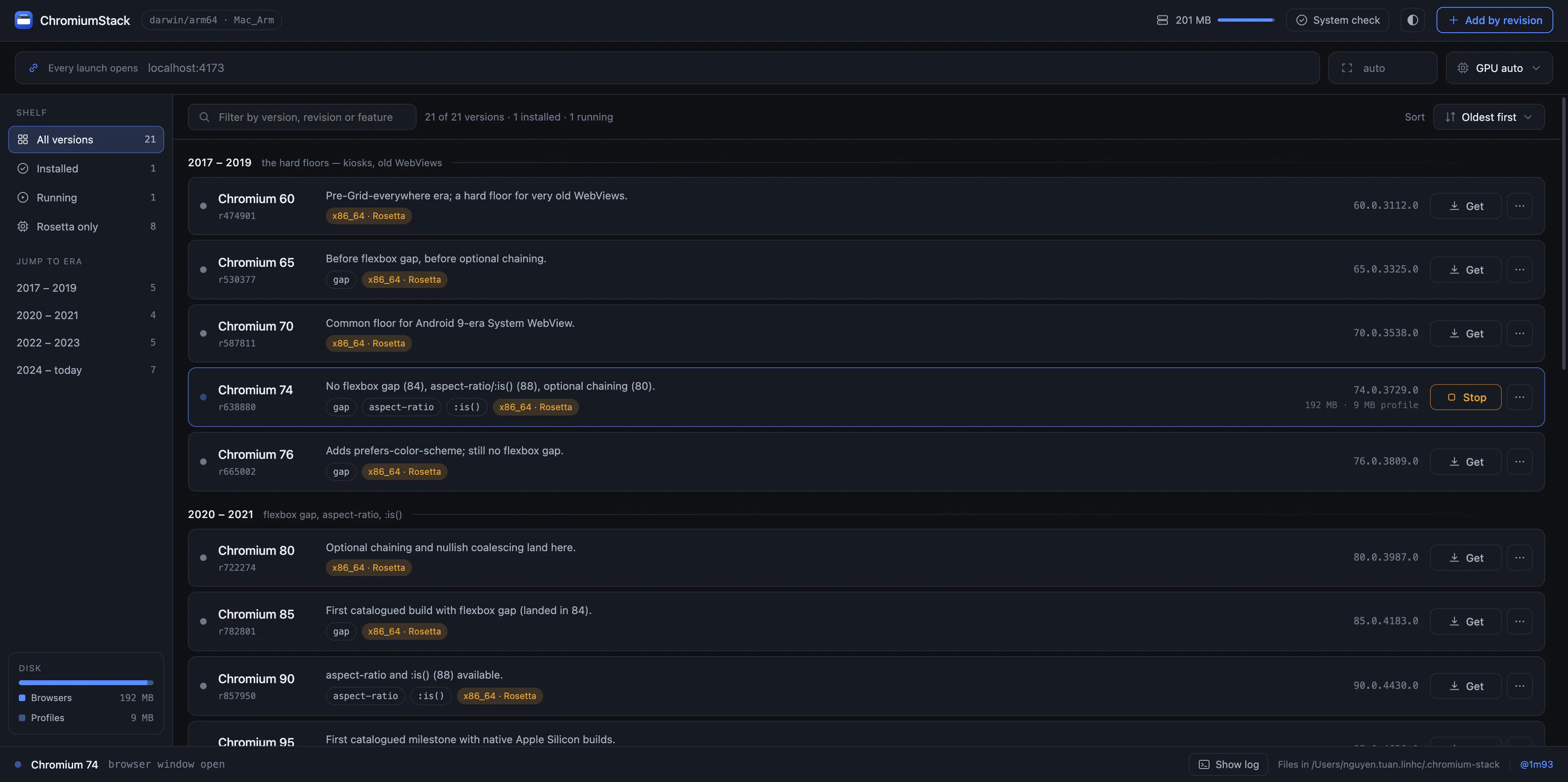
I ended up building Chromium Stack to solve this exact workflow bottleneck. It's a local tool designed specifically for checking browser compatibility and reproducing version-specific bugs quickly.
I recently needed to reproduce a frontend bug on an older version of Chrome, and I found the process of managing different Chromium versions pretty annoying. I ended up building a small tool that lets me install and manage older Chromium versions locally. It supports multiple Chromium versions side by side, which makes it easier to reproduce browser-specific issues and test compatibility. I'm curious how you guys usually handle testing against older browser versions. Do you use Docker, BrowserStack, virtual machines, or something else? I built this mainly to solve my own problem, but I'd be interested in hearing how others approach it.
Launch any Chromium milestone from 60 (2017) to 130 (2024) as a real desktop browser — DevTools, tabs, profiles. Free and self-contained for macOS, Windows and Linux.