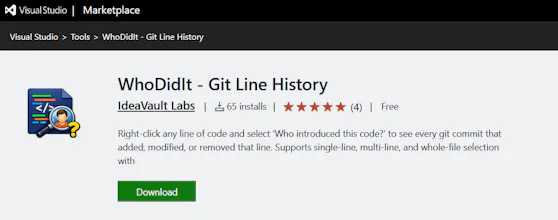
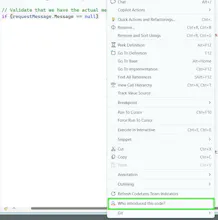
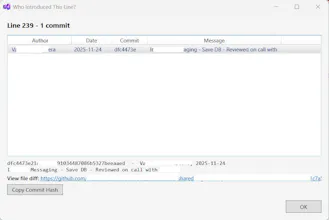
If you’ve used IDEs like PyCharm, you know how easy it is to explore code history inline. But in Visual Studio, that experience isn’t as seamless. I built WhoDidIt to fix that. WhoDidIt is a Visual Studio (2022+) extension that lets you instantly see the full history of any line of code—right inside your editor. Just right-click a line (or even select multiple lines) and instantly find: - Who introduced it - When it changed - How it evolved over time Would love your feedback 🙏
Hey everyone! 👋
I’m the maker of **WhoDidIt**.
One thing that always slowed me down while working in Visual Studio was understanding *who wrote a piece of code and why*.
In IDEs like PyCharm, this feels much more seamless—but in Visual Studio, it often meant jumping between git blame, history tabs, and breaking my flow.
So I built WhoDidIt to fix that.
Now it’s just:
👉 Right-click a line (or even select multiple lines)
👉 Instantly see its full history
This is an early version, and I’m actively improving it.
I’d genuinely love your feedback:
* Would this fit into your workflow?
* What features would you expect next?
Also, a small shoutout to ChatGPT for helping me refine the messaging for this launch 🙏
Thanks a lot for checking it out!
Report
Reviews
No reviews yetBe the first to leave a review for WhoDidIt