Every phone screenshot on Mac is a workaround — until now. TetherShot: native macOS app. Connect iPhone or Android over USB/Wi‑Fi, hit ⌘⇧7, frame saved to folder + clipboard. No account. No upload. No AirPlay hacks. Why bookmark it: • iPhone USB + Wi‑Fi + Android ADB in one app • Pixel-perfect — actual device frame, not a mirror • Menu bar + global hotkey from any app • 100% local. Zero telemetry. MIT open source • Homebrew, signed DMG, or npm For devs and creators who screenshot phones daily.
Hey Product Hunt 👋 — I'm Apoorv, maker of TetherShot.
TL;DR: I got sick of broken iPhone screenshots on Mac, so I built a native utility that captures iPhone + Android in one keystroke. Local. Free. Open source.
The backstory:
I screenshot my phone constantly — bug reports, tweets, docs, design reviews. Every path sucked:
→ QuickTime / AirPlay? Screen goes black when you capture.
→ Cloud tools? Sign up, upload your screen, wait.
→ ADB scripts? Works, but not a Mac-native workflow.
So I built the thing I actually wanted:
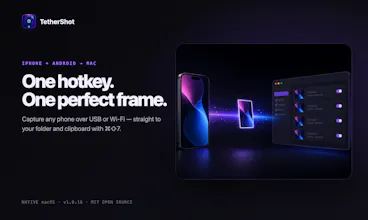
⌘⇧7 from anywhere → PNG saved + copied to clipboard
iPhone over USB or Wi‑Fi. Android over ADB. Same app.
Close the window — it keeps running in your menu bar.
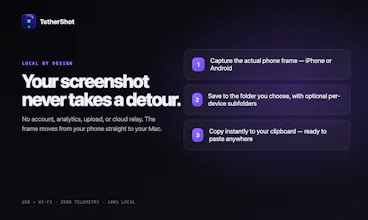
No login. No servers. Your screenshots never leave your Mac.
It's MIT licensed, installs via Homebrew or a signed DMG, and I'd genuinely love your feedback:
1. Would you use this for iPhone, Android, or both?
2. Is ⌘⇧7 the right default hotkey?
3. What's still missing?
I'll be here all day answering every comment. Try it and tell me what breaks 🙏
→ https://tethershot.apoorvdarshan...
→ https://github.com/apoorvdarshan...