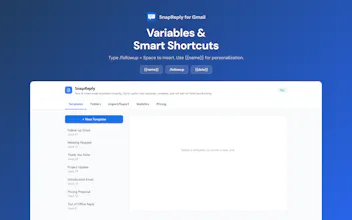
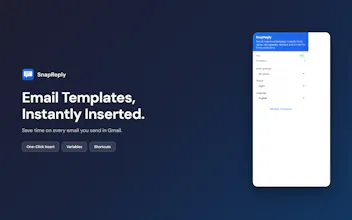
Gmail's built-in templates are buried and outdated. SnapReply puts a template button right in the compose toolbar. **How it works:** Save a template, click to insert. Or type `/followup` in compose and it appears instantly. - Smart variables (`{{name}}`, `{{date}}`) auto-fill or prompt on insert - Rich text & conditional logic (Pro) - Usage analytics to track time saved (Pro) Free for 10 templates. All data stays in your browser.
Hey everyone! Thanks for checking out SnapReply.
Quick backstory: I was sending 50+ emails a day for customer support and sales outreach. Gmail's built-in templates are buried in settings and haven't been updated in years. So I built something better.
A few things I'm proud of:
1. **The shortcut system** -- You assign a keyword like `/thanks` to a template, then just type it while composing. It feels magical.
2. **Variable memory** -- When you fill in `{{company}}` once, SnapReply remembers it for next time.
3. **Zero data collection** -- Everything stays in Chrome's local storage. No servers, no tracking.
The free tier is genuinely useful (10 templates covers most people). Pro is there for power users who need rich formatting and analytics.
Would love to hear how you handle repetitive emails today -- and what features you'd want to see next!
Report
No reviews yetBe the first to leave a review for SnapReply for Gmail