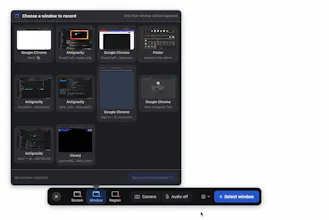
Tired of ugly screenshots and clunky screen recorders? SnapCraftly captures your screen, adds gorgeous gradient backgrounds, annotations, and auto-zoom then shares with a single link.
No reviews yetBe the first to leave a review for SnapCraftly
Maker
📌
Hey PH! 👋 I'm Quy, and I built SnapCraftly because I was tired of the screenshot → beautify → share workflow taking 5 separate tools.
The problem: Every day I needed to share clean screenshots for docs, tweets, bug reports, demos. But raw screenshots look terrible. So I'd open Figma, add a background, export, upload somewhere, get a link... 10 minutes for something that should take 10 seconds.
SnapCraftly does it all in one flow: capture → pick a gradient background → annotate if needed → share link. Done.
What I'm most excited about: Smart Auto-Zoom for screen recordings. It automatically zooms into where you click during recordings, like ScreenStudio — but built into the same tool you already use for screenshots. It's in beta now and shipping very soon.
Your screenshots never leave your Mac unless you choose to share them.
Would love your feedback.