
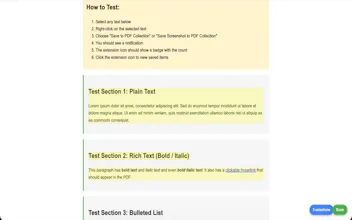
Select to PDF is a Chrome extension for collecting web research. Highlight text on any page, right click, and save. Every snippet keeps its source URL, timestamp, and formatting. Capture screenshots, add tags and notes, search your collection, and export as PDF (with cover page and TOC) or Markdown. Everything stays on your device. No account, no servers, no tracking. Free, with no paid tier. Built for researchers, students, journalists, and anyone who reads a lot online.




Maker
📌Hey Product Hunt, maker here. I built Select to PDF after one too many research sessions where I ended up with a Word doc full of unsourced quotes and no idea which article they came from.
The two things I cared most about: every snippet has to remember where it came from, and nothing leaves your machine. It's free and will stay that way. Would love your feedback, especially on the export formatting.
Report