
Screenshot Beautify
Frame screenshots with gradients & shadows, free in-browser
6 followers
Frame screenshots with gradients & shadows, free in-browser
6 followers
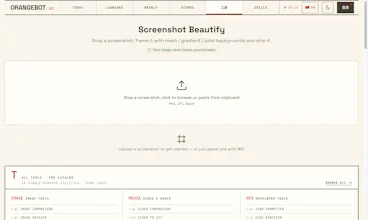
Drop a raw screenshot, wrap it in a gradient background with padding and drop shadow, and export a launch-ready PNG. Runs 100% in your browser — nothing is uploaded, no account, no watermark. Built for makers who ship: X launch posts, changelogs, docs, and App Store shots.
Love that it runs entirely in the browser with no upload, makes polishing a screenshot feel instant rather than risky. The drop shadow + padding combo comes out looking genuinely sharp too.
@erginel28238 Shadow softness is the next knob I want to expose. Thanks for giving it a spin!
Dropped a raw screenshot in and got a clean, launch-ready PNG in seconds with no upload waiting around. The drop shadow and gradient combo just works, and I love that it stays local.
@songlzkara50786 Thank you Songül! Local-only was the one non-negotiable — half the screenshots I frame are unreleased UI. Curious what you ran through it, a launch post or docs? Device frames + corner-radius presets are next.
Honestly really handy for quick launch posts — dragged in a screenshot, picked a gradient, and got a clean PNG in like ten seconds. The no upload thing is a nice touch.
@linavzbw Ten seconds was exactly the bar — if it's slower than that, people just ship the raw screenshot. Which gradient did you land on? I'm debating whether custom presets are worth adding.