
RiverScript
Transcribe everything you can hear on your computer
8 followers
Transcribe everything you can hear on your computer
8 followers
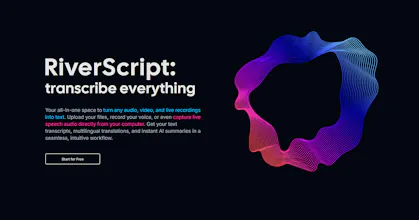
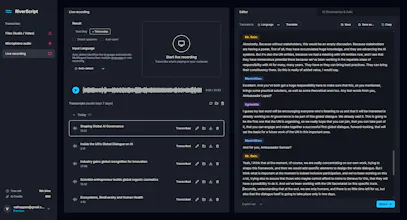
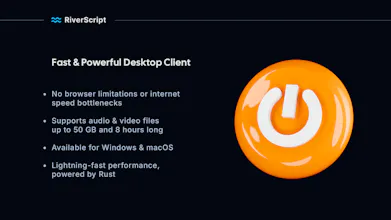
Capture and turn into text everything you can hear on your computer – meetings, podcasts, any videos with Live Recording Transcription from RiverScript. Your sound – your rules. A multi-model AI architecture combining leading speech recognition models from ElevenLabs, OpenAI and Deepgram. Interactive editor, timecodes, speaker diarization. Lightning-fast desktop client for Windows and macOS, built on Rust. Supports files up to 50 GB and 8 hours long. RiverScript – transcribe everything!


Hi,
I'm Lex, an AI developer from Finland.
The idea for RiverScript came from my wife. She is a student. One day she asked me if it would be possible to build an app that lets you record, for example, a three-hour webinar and get a full AI-generated transcript without any extra steps. All in one application – no separate screen recorders, no downloading video or audio files, no switching between browser tabs. The entire workflow in one place.
That's how RiverScript was born.
Record any audio from your screen. Get the text.
Born from real needs. Built by software engineers. No marketers were involved or harmed during the process.
And yes, it works on both Windows and macOS. It doesn't matter whether you're recording audio from a browser, a meeting app, or any other application – RiverScript works everywhere because it captures the system audio directly.
Your audio. Your rules.
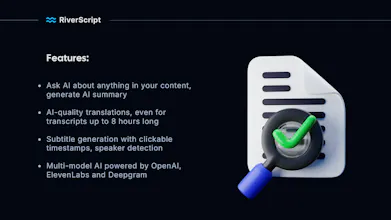
RiverScript was built for real people – students, content creators, and professionals like journalists, lawyers, and healthcare workers. That's why it goes far beyond simple transcription to fit your needs.
● works with audio and video files up to 50 GB, including batch uploads
● has a built-in editor and an interactive media player
● translates transcripts into other languages with AI
● generates subtitles with clickable timestamps
● performs speaker diarization
● creates AI-powered summaries
● lets you ask AI anything about your transcript
And yes, it's built with Rust, a fast programming language, and has a modern, intuitive interface.
Try it right now – it's absolutely free!
Speaker diarization actually nailed who said what in my messy team call, no edits needed. The desktop client feels snappy too, way faster than the browser tools I was using before.
@hasan375669 thank you, Hasan! The RiverScript desktop client is written in Rust, so it processes about 3–5× faster than browser-based transcription solutions on average. For videos that are tens of gigabytes in size, it can sometimes be hundreds of times faster. Thanks for checking out the project!