
MyLens for Youtube
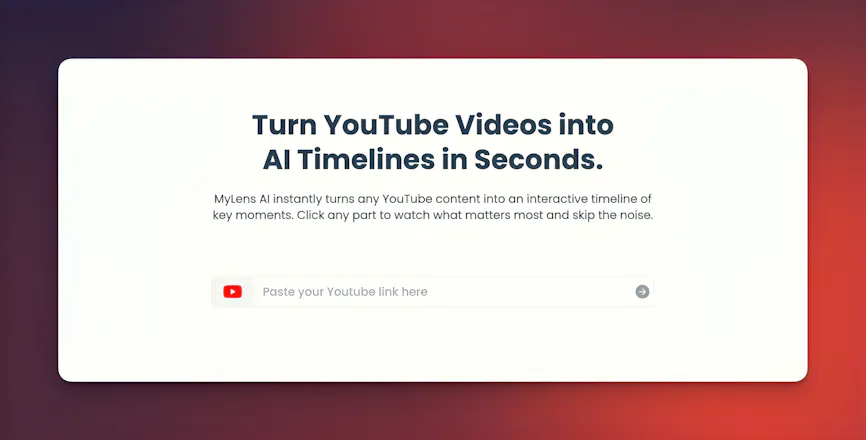
Turn Youtube videos into AI timelines
594 followers
Turn Youtube videos into AI timelines
594 followers
MyLens AI instantly turns any YouTube video into an interactive AI timeline of key moments. You can see all the key parts of long videos at a glance, click to only watch what matters most, and skip the noise. You can even expand sections or dive deeper into any parts with AI. It is a smarter way to watch and understand any YouTube content 10X faster.


Free Options
Launch Team / Built With


Can MyLens AI handle really long videos, like 3–4 hour podcasts? And does the timeline stay smooth, or does it get too crowded with too many key moments?
@hannah_krause1 Great question, Hannah. Yes — MyLens can handle very long videos, even 3–4 hour podcasts. The timeline stays clean because the AI organizes everything into higher-level sections instead of cluttering the view with too many moments, and you can always expand to see more detail. On the free plan, the AI has a shorter context window and may only cover part of very long videos, but in the higher-tier plans we provide a much larger context limit (up to 100X more than free plan) so full multi-hour videos are processed end to end.
Does MyLens AI adapt to different video styles? For example educational videos, interviews and storytelling videos all have very different pacing. I’m wondering if the system adjusts its timeline logic based on the type of content or if it treats all videos the same.
@evie_parker02 Great question, Evie. The AI does adapt to different video styles. It doesn’t treat all videos the same — the AI looks at pacing, structure, and how ideas unfold, so an educational video with clear sections will be segmented differently than a free-flowing interview or a storytelling video with long narrative arcs. The underlying logic stays consistent, but the way it groups and spaces moments adjusts based on how the content is delivered.
I don’t always have the time to sit through long videos, so this helped me see what’s inside without wasting my evening. I’d like to see how it works with news clips too. Could be helpful for that.
@selina4 Thanks so much, Selina — really glad it saved you time.
I watch a lot of tech videos and most of them drag on forever. This helped me jump to the parts I actually care about. I can see myself using this when I’m in a hurry.
@jonas_keller19 Thanks alot for sharing this.
Congrats on the launch 👏
Most videos are full of stuff we don’t need, and this helped me skip all that without feeling bad about it. Nice to see someone actually breaking the pattern for once.
@annika4 Appreciate that.
I tried it on a talk I saved a while back, and it did help me get the main parts faster. I usually forget half the things I want to watch, so this made it easier to catch up. I’m wondering how it works with longer podcasts too. Could be useful for that.
I really like what you’re doing here. Most platforms want us to sit through long videos but this feels like you are taking the opposite path and giving people their time back. It’s a small thing, but it like a big shift.
@ayesha_siddiqu8 Thanks so much, Ayesha — really appreciate that.