A local PDF toolkit that never uploads your files: compress, merge, split, rotate, encrypt, crop, to image / Word, plus AI summary, translation, and Q&A. Classic tools run 100% in your browser — your files never leave your computer.
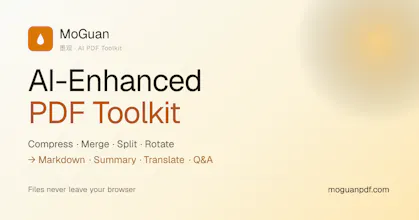
Hi Product Hunt. I built MoguanPDF because I kept watching people upload contracts and medical records to online PDF converters.
iLovePDF and Smallpdf process files on their servers and keep them there for an hour or two afterward, per their own policies. That policy line is easy to miss, and for a signed contract it is a bad trade. So I moved the entire toolkit into the browser.
All 24 tools (compress, merge, split, sign, watermark, OCR, PDF to Word/Excel, and the rest) run on your machine. Your file stays in browser memory. You can check this yourself: open DevTools and watch the Network tab while you compress a PDF. No request carries your file. Once loaded, the tools work offline, and the site installs as a PWA.
The limits:
- The AI features (summarize, translate, Q&A, PDF to Markdown, plus an optional AI re-flow toggle inside PDF to Word) call an LLM. They send extracted text only, never the original PDF, and the UI tells you before anything leaves. If that still crosses your line, leave them off. With AI switched off, nothing about your document goes over the network.
- Client-side means your browser does the work. Files cap at 50MB, and a 300-page scan runs slower here than on a server farm, especially on low-RAM machines.
- OCR runs a local tesseract engine and covers English and Chinese. No other languages yet.
- PDF to Word handles clean layouts well. Dense multi-column layouts still come out imperfect, as with most converters.
Classic tools are free and unlimited, no account. AI tools include 5 free uses per day.
I'm glad to get into technical details in the comments: how OCR runs in-browser, how conversion works without a backend, or why I chose this over renting a cheap server.
Report
No reviews yetBe the first to leave a review for MoguanPDF