
Matteshot
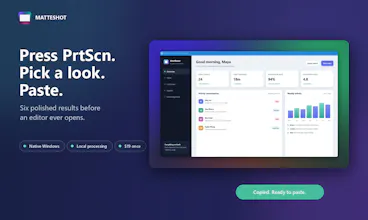
Press PrtScn. Pick a look. Paste something polished.
22 followers
Press PrtScn. Pick a look. Paste something polished.
22 followers
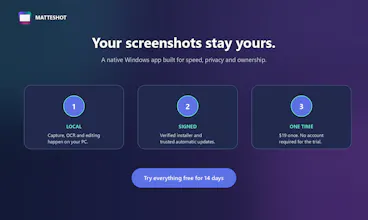
Press PrtScn and Matteshot instantly turns any window, region, scrolling page, or screen into six polished looks ready to paste. Select and copy only the text you need directly from a screenshot with offline OCR, annotate or redact images, and record, trim, and annotate video. Native to Windows. Everything stays local. Free 14-day trial, then one $19 purchase. No subscription.



Free Options
Launch Team / Built With


CloudflareDeploy serverless functions globally in seconds
Promoted
Hey Product Hunt. I'm Tyler. I built Matteshot because the normal Windows screenshot workflow had too many steps: capture, open another app, add padding and a background, export, then finally paste it where I needed it.
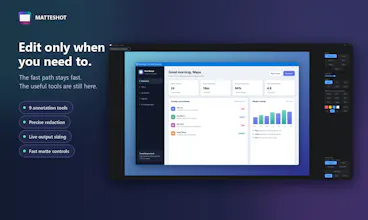
Matteshot changes that loop. Press PrtScn, click a window or drag a region, and you immediately get six finished looks. Pick one and it's already on your clipboard. The deeper tools are there when you need them, but they never get between capture and paste.
Select Text turns the screenshot into something you can drag across like normal text, using Windows' offline OCR. Redacted words stay blocked from selection and copying. The video editor carries over the same nine annotation tools as the photo editor, with each annotation applied to the whole recording or a three-second moment on the timeline.
I built it as a native Windows app because PrtScn should feel immediate and screenshots should stay on your computer.
Matteshot includes a 14-day trial with no card required. It's a one-time $19 purchase, discounted to $12.99 during launch.
The balance I care about most is fast defaults versus useful control. I'd love feedback on two things: does the picker eliminate enough editing for you, and what is the one editor control you still miss?