
macss
Handpicked Mac apps, with the pricing spelled out
2 followers
Handpicked Mac apps, with the pricing spelled out
2 followers
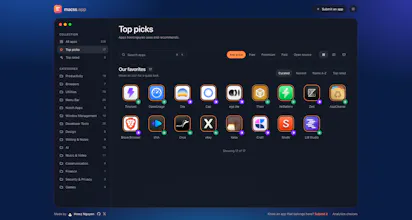
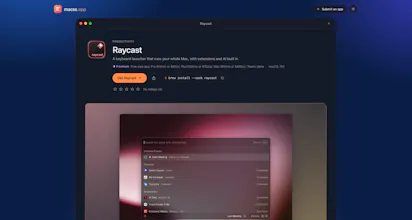
macss is a hand-curated directory of macOS apps. Every entry is written from scratch, not copied from the developer's landing page, so you get a straight answer on what it does. The part most lists skip is pricing. macss tells you whether an app is free, freemium or paid, and how you pay: one-time, subscription or licence. Open source apps link to their repo and licence, and anything no longer maintained gets flagged. Categories include menu bar, window management, notch and developer tools.




Free
Launch Team

Customer.ioAutomate Messaging Everywhere — Startups Get 12 Months Free
Promoted

 Knowns CLI