
Invoke
Your favorite Mac actions, right at your cursor
12 followers
Your favorite Mac actions, right at your cursor
12 followers
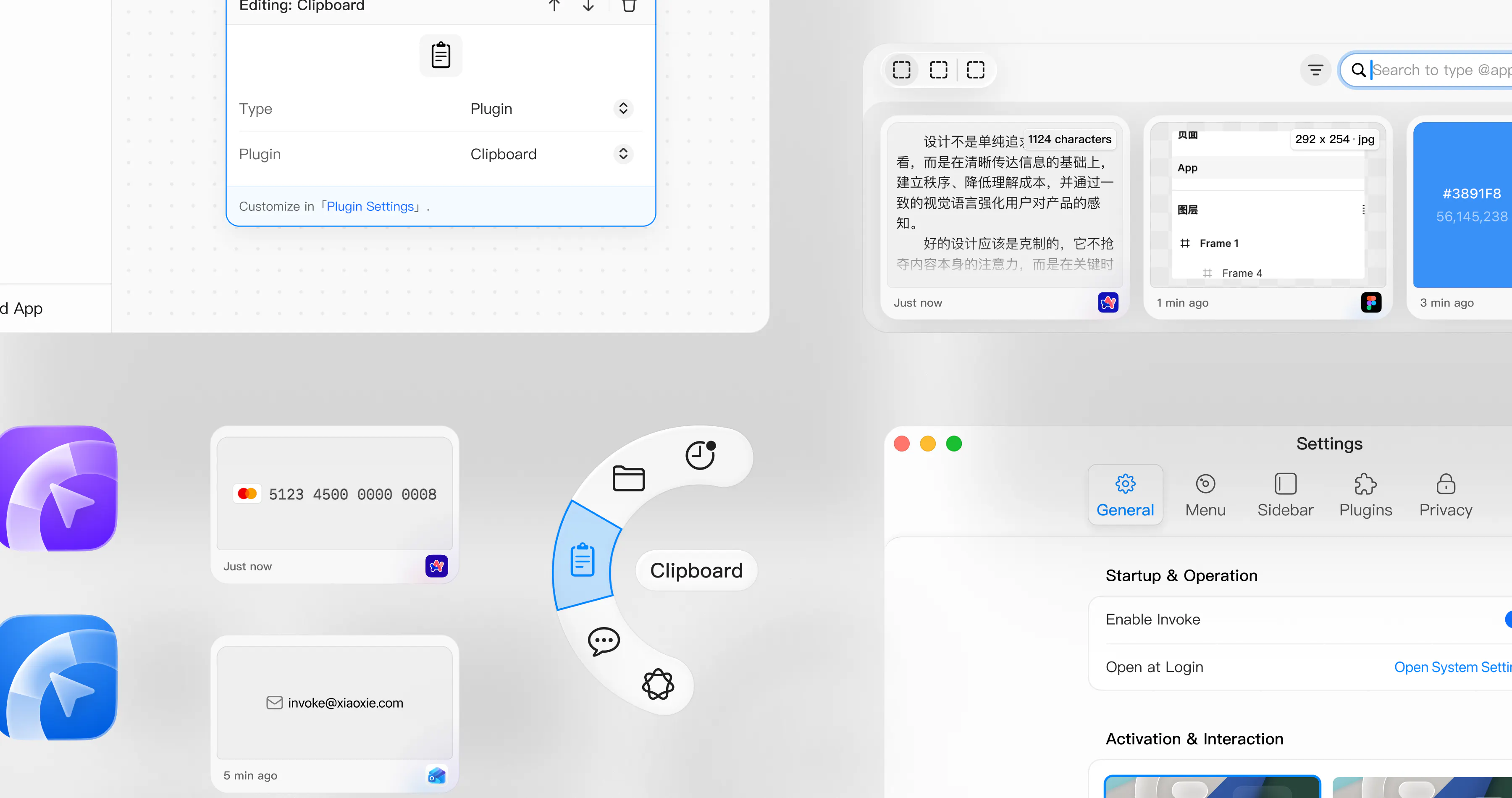
Invoke is a cursor-first radial menu for macOS. Press or hold a shortcut to open a customizable menu beside your pointer, then launch apps, open folders, paste text, trigger shortcuts, run Apple Shortcuts, or use built-in tools like clipboard history and a color picker. Unlike traditional launchers, Invoke can automatically switch menus based on the app you are using, so the actions around your cursor always stay relevant—without making you memorize more keyboard shortcuts.






📌 Hey Product Hunt!
I’m XiaoXie, a product designer and solo maker building small Mac tools.
I made Invoke because I was constantly jumping between menus, shortcuts, apps, folders, and tiny repeated actions. I wanted the things I use every day to appear right beside the cursor—without memorizing even more keyboard shortcuts.
Invoke is a customizable radial menu for macOS. Press or hold a shortcut to open it, then launch apps, open folders, paste text, trigger keyboard shortcuts, run Apple Shortcuts, or use built-in tools like clipboard history and a color picker.
It can also switch menus automatically based on the app you’re using, so your actions stay relevant to the current workflow.
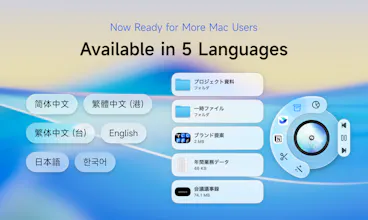
This release also adds English, Japanese, Korean, and Traditional Chinese support, plus Intel Mac and macOS 13 compatibility.
I’d love to know: what is one repetitive Mac action you would put in a radial menu?
Finally gave Invoke a spin on my Mac and the context-aware menus caught me off guard, swapping to relevant options when I jumped into Figma was genuinely handy.
@ilbugasare30519 Thanks so much! I’m really glad the context-aware menus clicked for you — Figma was one of the main workflows I had in mind when building that feature 🙌