Launched this week

gmux
One key. Your whole setup
2 followers
One key. Your whole setup
2 followers
gmux lets you switch between custom Windows workspaces with a keyboard shortcut. Open apps move into place across your displays, missing apps launch automatically, and everything else stays open. Build your layouts in a visual editor.
Interactive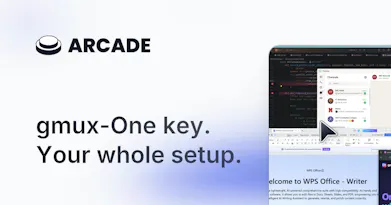


Free Options
Launch Team

Dropbox SignSimple, secure eSignatures for the way your team works.
Promoted
Hey Product Hunt 👋 I’m the maker of gmux.
I built gmux because I kept arranging the same windows every time I changed tasks. Moving from coding to research meant finding the right apps, dragging them back into place, and doing it again the next day. I wanted a way to say “this is how I work” and bring that setup back with a shortcut—while keeping my open windows and unfinished work intact.
gmux is my answer: define where your apps belong, then switch layouts with Ctrl+M and a key. It moves windows that are already open and launches apps that aren’t.
The feedback that would help me most: tell me about a workspace you’d want to switch to, and where gmux might fail in your setup. Do you use multiple monitors, several windows of the same app, or a laptop that you dock and undock? Specific examples will help me decide what to improve next.