Launching today

CodeHerd
Run multiple AI coding agents side by side on macOS
1 follower
Run multiple AI coding agents side by side on macOS
1 follower
What it does CodeHerd enables developers to run several CLI-based AI coding agents simultaneously in calm, organized panes. It supports any CLI agent found on your PATH, allows independent worktree management per agent to prevent code collisions, and ensures each agent handles its own subscriptions and credentials securely.


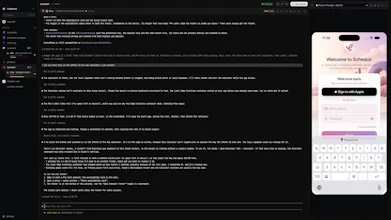
It's a Mac app for running Claude Code, Codex, Gemini CLI or any CLI agent side by side, each in its own pane, optionally on its own git worktree.
If you run more than one coding agent at once, you know the mess: a pile of terminal tabs, agents editing the same files, and no idea which one is waiting on you.
CodeHerd gives every agent a pane and a name (Ada, Bo, Cleo…), and tells you when one needs you.
One switch gives a session its own git worktree, so each agent works on its own branch.
CodeHerd warns you when two worktrees change the same files, and turns red before their commits would conflict.
Review, commit and open a PR without leaving the app.
Herd HQ is the fun bit: a little 3D campus with a studio for each project and a desk for each agent.
See who's working and who's been waiting on you, then walk up to any desk and take its terminal.
Other things I wanted while running agents all day:
• send one prompt to several agents and compare them
• hold a key to dictate prompts, transcribed on your Mac
• mark up a web page and attach it to a prompt
• the iOS Simulator beside your sessions
It runs the CLIs you already have, with your own logins and subscriptions. No accounts, no telemetry.
Signed and notarised, for Apple Silicon Macs on macOS 13+.
Free: up to 3 agents at once, worktrees, review & PRs, in-app browser
Pro: £10/mo or £96/yr for unlimited agents plus everything above
Every install gets 14 days of Pro. No card, no account.