TermBar

TermBar

Your terminal in your Mac menubar

7 followers

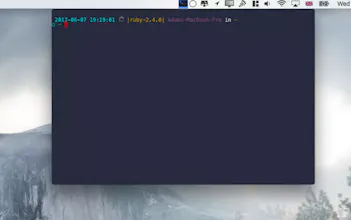
TermBar is an app that takes the terminal out of your dock and into your menu bar, leaving more space on your screen and less clutter in your dock.
TermBar gallery image
Launch Team
OS Ninja
OS Ninja
Explore and Learn Open Source using AI
Promoted

What do you think? …

Stephen Thomas
Hmm. Unsigned app. Asks for permission to accept incoming connections.
Troy Osinoff
Yann Bertrand
cmd+space - term - enter 😬
Adam Kelly
@_yannbertrand See I often am just working and I want to have a terminal open (with something running) and just not see it all the time, and this solved my problem better then just opening a new terminal all the time
Yann Bertrand
@adam_kelly You could also keep it on the dock but I'm totally fine with prefering to have it in the menubar
Jasper van der Meij
@adam_kelly @_yannbertrand Can you still cmd-tab to the window? That is usually the downside of apps that are not in the dock.
Jonathan from Growth
@adam_kelly @_yannbertrand you might be interested in preferences > keys > Hotkey > Show/hide iTerm2 with a system-wide hotkey. That hotkey will make your terminal appear on the top half of your active screen in a temp window.
Jamie Barton
@_yannbertrand The hotkey function is great for iTerm. I wonder if Hyper has this support too?? That's if you can get past an icon within a hidden dock being a pain 🤷🏻‍♂️
Jeff Shaw
This is so lame, i thought this was going to be on the touchbar
Adam Kelly
@heyjeffshaw Now thats an idea
Davis Nunez
Just bought it! Great job! - The only negative thing is that I can't paste using cmd v
Al Chou
Uh, iTerm's Hotkey Window feature provides the equivalent. Plus real terminal windows.
Kevin Titor
I guess a global shortcut would be enough for this use case.
Julian Dakar Joseph
Cool and help. Only thing I want right now is ability to paste :-)
12
Next
Last