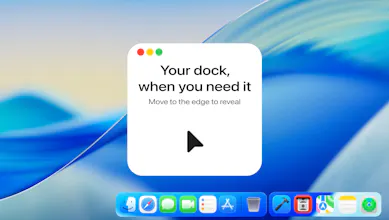
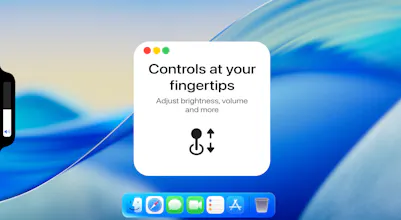
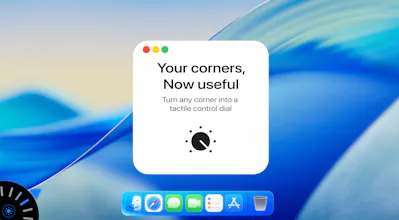
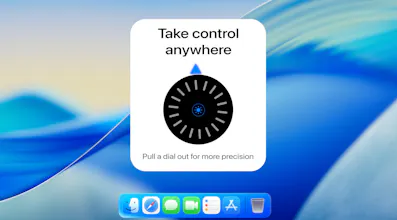
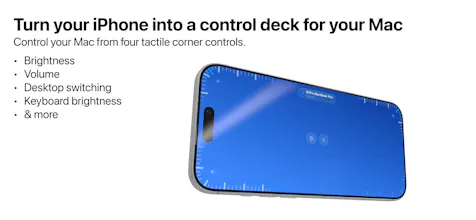
Stash gives your Mac hidden controls that feel like they’ve always belonged there. Beautiful, native-feeling and ridiculously satisfying to use - adjust system controls with tactile sliders and dials, manage windows, and keep your favourite apps within reach through a hidden expandable dock and app launcher. Stash Deck extends the experience to your iPhone, turning it into a tactile remote for your Mac with quick controls, app launching and configurable widgets.
Hey Product Hunt! 👋 I’m Will, the maker of Stash.
I built Stash around a simple idea: the controls you use every day should appear when you reach for them, and disappear when you don’t.
On Mac, that means tactile edge sliders and corner dials, a hidden Dock for apps you want close without cluttering your actual Dock, and a fluid slide-up app launcher.
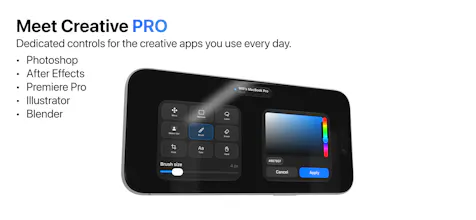
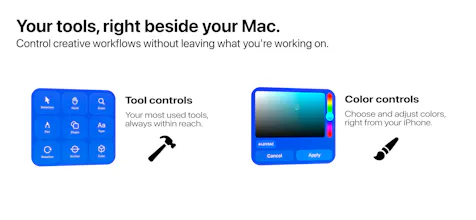
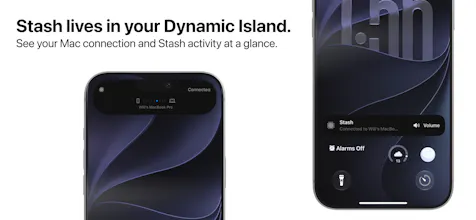
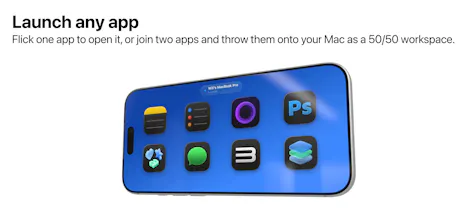
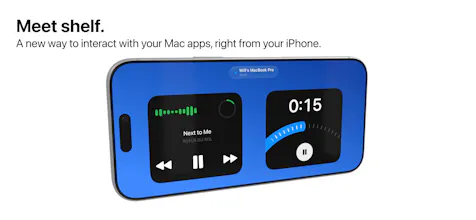
Stash Deck brings the experience to iPhone. It pairs directly with your Mac, with Deck for tactile controls, Launcher for your Mac apps, and Shelf for useful widgets and live controls.
I’ve obsessed over the little details - motion, haptics and making every interaction feel native and ridiculously satisfying.
Would love to hear what you think 🚀
Report
@will_gee1 The product looks clean and pretty useful. Congrats on your launch. I'll give it a short and let you know!
the iPhone-as-remote angle (Deck/Launcher/Shelf) is what separates this from the usual menu bar organizer pitch, that's the part I haven't seen the other tools in this space do. curious how it behaves when the iPhone is out of Bluetooth/Wi-Fi range of the Mac, does Deck just show nothing, or does it queue the last known state so it doesn't feel broken the moment you walk into another room?
@galdayan Appreciate the comment, it works via Apples Bonjour (a networking tool that lets devices find each other automatically on a home or local Wi-Fi network without manual setup). So as long as you're on the same wi-fi or hotspot it does not time out. If you do lose connection it goes back to its automatic discovery/reconnect state.



Stash
@will_gee1 The product looks clean and pretty useful. Congrats on your launch. I'll give it a short and let you know!
Stash
@almas_malik Appreciate it, let me know what you think!
Dial
the iPhone-as-remote angle (Deck/Launcher/Shelf) is what separates this from the usual menu bar organizer pitch, that's the part I haven't seen the other tools in this space do. curious how it behaves when the iPhone is out of Bluetooth/Wi-Fi range of the Mac, does Deck just show nothing, or does it queue the last known state so it doesn't feel broken the moment you walk into another room?
Stash
@galdayan Appreciate the comment, it works via Apples Bonjour (a networking tool that lets devices find each other automatically on a home or local Wi-Fi network without manual setup). So as long as you're on the same wi-fi or hotspot it does not time out. If you do lose connection it goes back to its automatic discovery/reconnect state.