
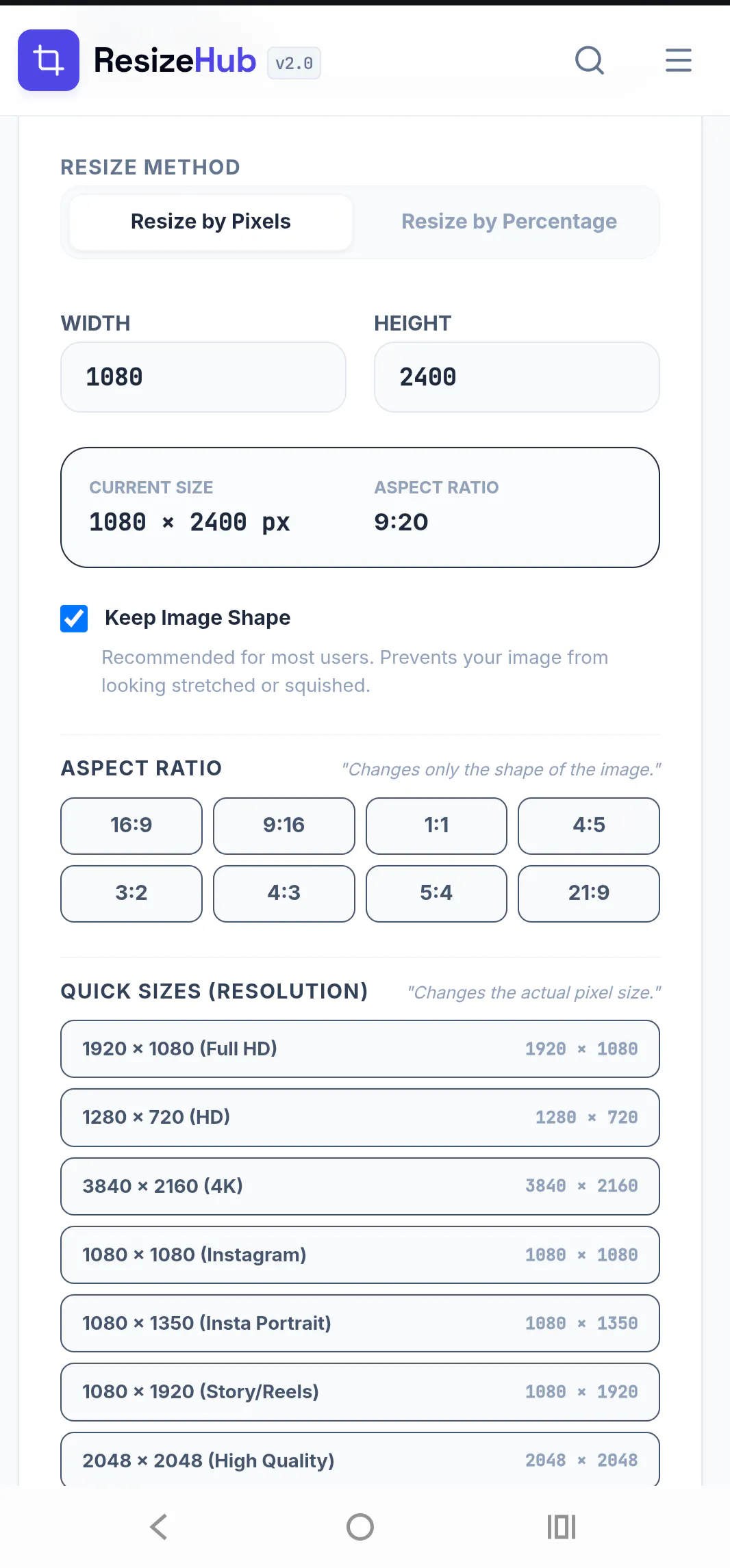
ResizeHub is a privacy-first browser toolkit for image and PDF processing. Resize, compress, crop, convert, and optimize files entirely on your device—no uploads required. It also includes specialized tools for passport photos, signatures, thumb impressions, government exam applications (SSC, IBPS, UPSC, RRB), social media image sizes, and PDF workflows, all in one fast, free web app.
Interactive


Free
Launch Team

LightfieldAI-native CRM that builds itself and does work for you
Promoted
 TinyPNG
 iLoveIMG
 Pi7 GIF Tool
Batch processing would be a huge time saver, especially for exam applications where you need to resize multiple photos and signatures to exact dimensions at once. Drag and drop a folder and apply the same preset across everything would make this incredibly efficient for users prepping multiple forms.
@asmin467991 Thank you so much, asmin! 😊 I really appreciate the detailed suggestion. A batch processing mode with folder upload and reusable presets is definitely something I'd love to add to ResizeHub. I can see how it would save a lot of time for users preparing multiple application photos and signatures. Thanks again for sharing this idea—it has been added to my roadmap!
A bulk processing mode would be huge for me, being able to drop in 30 passport photos at once and export them all to a specific government exam size folder in one go. Would save so much time compared to handling them one by one.
@saadetpz2y Thank you so much, Saadet! , That's a great use case and exactly the kind of workflow I'd like ResizeHub to support. Being able to process multiple passport photos in one go and export them with the correct government exam settings would save a lot of time. I've added this idea to my roadmap—thanks for sharing such practical feedback!
Love that everything runs locally without uploading anything. One thing that would make this even more useful is batch processing where you can drop a folder of mixed images and PDFs and apply the same settings across all of them at once, saving the resized versions with smart naming based on original file names.
@esranldf Thank you so much, Esra! ,That's a fantastic suggestion. A true batch processing workflow with folder support, shared settings, and smart file naming would definitely make ResizeHub even more efficient for users handling lots of files. I'll add this to my roadmap and explore the best way to implement it. Really appreciate you taking the time to share such detailed feedback!
Tried compressing a passport photo and the size came out perfect on the first try, which never happens. Love that nothing leaves my browser.
@kaanokqv Thank you so much, Kaan! I'm really happy to hear it worked perfectly on your first try. Making passport photo preparation simple while keeping everything in the browser was one of my main goals. Thanks for trying ResizeHub and for sharing your experience—it really means a lot!
love that everything runs locally on-device, no uploads needed. honestly the passport photo and signature tools are super handy for indian govt exam forms, feels like the team really thought about the actual use cases.
@sadkkandefr4o5 Thanks a lot, Sadık! , I really appreciate your kind words. Building practical, privacy-first tools for everyday tasks was the main goal behind ResizeHub, so I'm glad that came across. Thank you for taking the time to try it and share your feedback!
The everything-stays-on-your-device approach is such a thoughtful choice, especially for the passport and exam document tools where privacy actually matters. Nice to see a free web app that respects that instead of farming uploads.
@aysunasralq0vp Thank you so much, Aysun! 😊 That was exactly the goal behind ResizeHub. I wanted people to be able to prepare passport photos, exam documents, and everyday images without worrying about their files being uploaded to a server. I'm really glad the privacy-first approach stood out to you. Thanks for your support! 🙌