Launching today

Many Displays
Zero clicks: windows back after sleep, unlock or replugging
91 followers
Zero clicks: windows back after sleep, unlock or replugging
91 followers
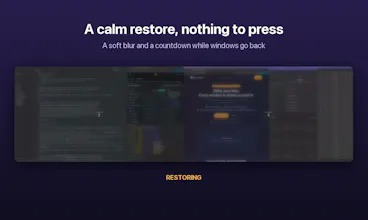
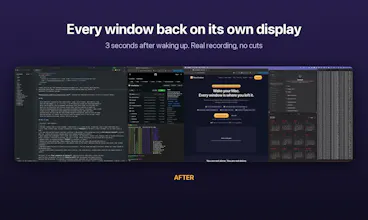
Nothing to save, no layouts to name, nothing to click. Many Displays quietly remembers where every window lives (display, position, size) and puts everything back on its own when your Mac wakes, unlocks or reconnects its monitors. Grant Accessibility once and forget it's there. Built for identical monitors that macOS keeps swapping: it tells them apart, even by the port they're plugged into. No cloud, no account. $19 one-time, 14-day free trial.



Free Options
Launch Team

ArticosTest your messaging on your audience, right inside Claude or ChatGPT
Promoted
Yes, that's exactly the case it handles. It keeps a separate layout for each combination of displays, so each of your three desks is remembered on its own and comes back by itself when you plug in there. Nothing to save or pick. The first time it sees a new setup it starts from the closest one it already knows, and from then on remembers that one too.
the two identical LG monitors swapping places after sleep is so real lol. does it tell them apart by which port they're plugged into?
Ha, same here, that's literally why I built it. Yes: it first uses the system UUID, then the physical port they're plugged into (on Apple Silicon), and only falls back to position if those don't tell them apart. If macOS swapped them, it fixes the display arrangement first and then moves the windows back.