MagicNotch

Shortcuts behind the Notch

1 follower

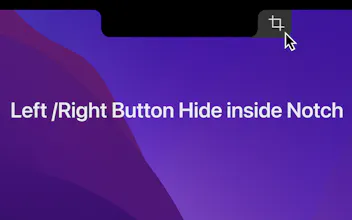
Mouse touch to the notch screen, quick buttons instantly appear. One-click for screenshots, locking the screen, and even more, you can customize any function at will.
MagicNotch gallery image
Free
Launch tags:MacApple
Launch Team
Intercom
Intercom
Startups get 90% off Intercom + 1 year of Fin AI Agent free
Promoted

What do you think? …

YQ Feng
Maker
📌
1. Innovatively using the notch screen, making your Macbook more efficient and the experience more remarkable. 2. A gentle touch of the mouse to the notch screen, and preset shortcuts are activated instantly, simple and convenient. 3. Screenshots, screen lock, opening Spotlight, all done with one click, saving time. 4. Freely customize the shortcuts, whether you're a designer or a programmer, making your Macbook more personal and considerate.