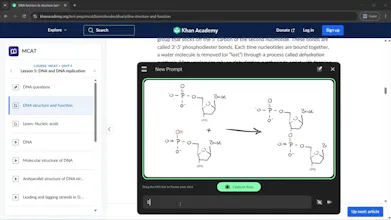
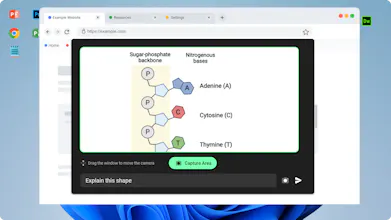
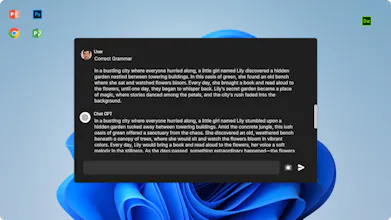
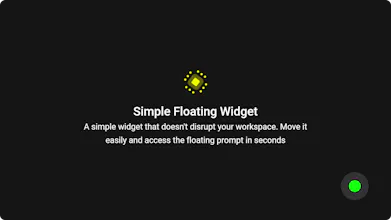
⚡ No Screenshots Needed: Just point the live view at something and ask. 🔵 Floating AI Widget: A small, unobtrusive dot stays on your desktop for instant access. 👁️ Real-Time Desktop View: Open the widget to see a live view of your current screen. 🖱️ Move the AI Lens: Drag the floating window anywhere to focus on different content. 💬 Ask About What You See: Type questions about anything currently in the AI's view.
We built this because we wanted a simpler way to interact with everything already on our screen.
The idea started with a simple question: What if AI could actually see what you’re looking at, without making you stop, capture a screenshot, or switch apps?
That evolved into a small floating dot that opens a live AI view of your desktop. You can move the lens anywhere, ask a question, and get an answer based on what’s currently in view.
We’re excited to share it with Product Hunt and would love to hear how you’d use it! 🚀