
Walkmark
Record a task once, AI writes every step with screenshots
5 followers
Record a task once, AI writes every step with screenshots
5 followers
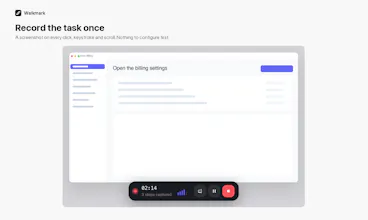
Walkmark saves a screenshot every time you click, type or scroll, then writes the instructions for you. Reorder steps, blur passwords, export Markdown, HTML or PDF. Runs locally with Ollama or your own API keys. Open source, on macOS, Windows and Linux.


Free
Launch Team

Customer.ioAutomate Messaging Everywhere — Startups Get 12 Months Free
Promoted
I kept rewriting the same onboarding doc. Someone would ask how to do a thing in our admin panel,
I would screen-record it, then spend forty minutes pasting screenshots into Notion and typing
"Click Settings, then click Billing."
Walkmark does the boring half. Pick a screen or window, run through the task once, and it saves a
screenshot every time you click, type or scroll. Then it writes the instructions.
The writing is the part I cared most about getting right. It does not caption each screenshot on
its own, which is how you end up with twelve steps that all say "Click the button." It reads the
whole sequence first, picks a title and summary, then writes each step knowing what came before it.
Everything stays on your disk. Recording and export work with no network at all. For the writing
you can point it at Ollama on your own machine, or bring an OpenAI, Anthropic, Gemini or OpenRouter
key. In the open source app your keys never touch our servers.
MIT licensed, on macOS, Windows and Linux. A hosted version is coming for people who would rather
not manage keys, but the desktop app is not a teaser. It is the whole product.
I would like to hear where the writing falls down for you.