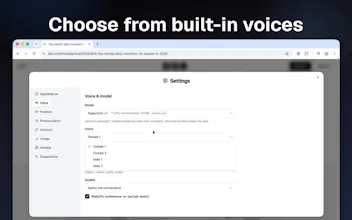
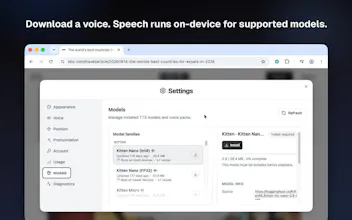
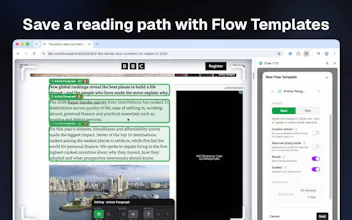
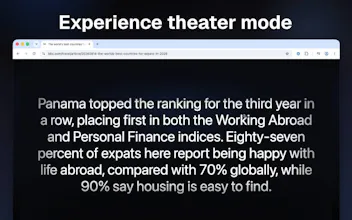
Flow TTS — private, on-device text-to-speech for Chrome. Open the player and listen while you browse. Speech runs locally in your browser—no cloud TTS. What sets us apart: Flow Templates. Build a reading plan for any site—pick what to read or skip—then hear only the parts you want, every visit. Also: Auto mode for main content, Read Selection for highlighted text, adjustable speed/voice, and optional hover-to-play or Theater mode. Free daily allowance. Premium unlocks unlimited listening.

We’re the team behind Flow TTS. We built it because we wanted to listen to the web without sending every article to a cloud TTS API.
Most “read aloud” tools either blast the whole messy page (nav, ads, sidebars) or lock the good experience behind a big subscription and off-device speech. We wanted something that felt private, stayed in Chrome, and let us control what gets read.
That’s how Flow Templates showed up. Auto mode is fine for a quick listen, but on sites we visit a lot we got tired of hearing junk. So we built a way to pick what to read or skip, save that plan, and reuse it. Flow mode is the part we’re most proud of — it’s the difference between “TTS on a webpage” and “this site finally listens cleanly.”
The stack evolved around that: on-device voices so reading stays on your machine, a floating player you can place where you want, Read Selection for one-off highlights, and a free daily allowance so people can try it without a hard paywall on day one.
If you try it, we’d love feedback on templates especially — which sites are still noisy, and what would make building a plan faster. Thanks for checking us out.