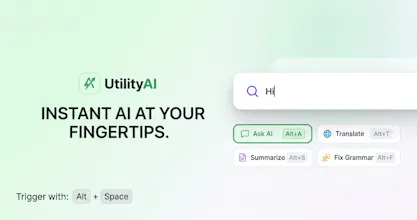
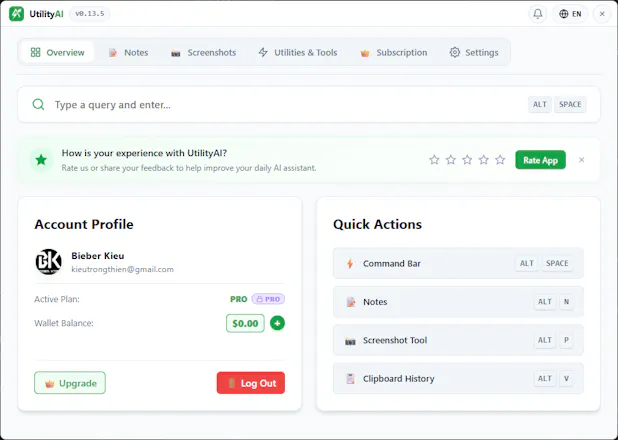
Boost your productivity with UtilityAI, the instant desktop AI companion for PC & Mac. Press Alt+Space to translate, summarize PDFs, snip screen OCR, and polish writing without tab-switching. Press Alt+N to make a quick note. Press Alt+V to show a clipboard history. Press Alt+P to a screenshot capture.
No reviews yetBe the first to leave a review for UtilityAI
Maker
📌
1. Inspiration & Problem Statement:
The Pain Point: Constant context-switching (Alt+Tab) between active tasks and AI web apps breaks focus and destroys daily productivity.
The Vision: Bring AI directly to where the user is working as an ambient OS-level utility—triggered instantly via Alt + Space, completing the task, and vanishing without interrupting focus.
2. Evolution of Approach:
Initial Concept: Started as a lightweight floating query box for quick AI prompts.
Feature Expansion: Realized users needed direct interaction with screen context, evolving the product into a full productivity hub with OCR Screen Analysis, Local Clipboard Management, and Quick Notes.
Architectural Pivot: Committed to a Tauri + Vue.js stack to achieve an ultra-lightweight footprint (~10MB installer, ~256MB RAM usage), ensuring zero performance lag for the user.