FileConcat
Combine files into one AI-ready document
9 followers
Combine files into one AI-ready document
9 followers
Drop a repo, a folder of PDFs and docs, or an archive. The noise gets stripped and out comes one clean document for ChatGPT, Claude, or Gemini. No setup, no account.
This is the 2nd launch from FileConcat. View more
FileConcat
Launching today
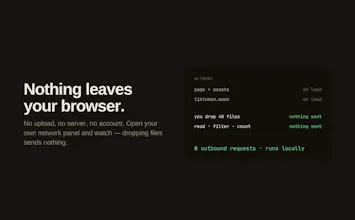
Drop a folder, files, or an archive. The noise gets stripped and out comes one clean document for ChatGPT, Claude, or Gemini. Runs in your browser, no setup, no account, nothing uploaded.


Free
Launch Team
Chronos
RiteKit Company Logo API
@fileconcat @ceamkrier Dropping a repo, a folder of PDFs, or an archive and getting back one clean, AI-ready file — noise stripped, no setup — is the boring-but-constant chore everyone doing AI work repeats by hand. Solving it in one step is the kind of tool people quietly keep open all day.
The turn-a-mess-into-one-file flow is best understood by watching it, and you launched without a demo — so I made you one, free and whitelabel, no strings, for your launch page media:
Yours to keep — download it from https://foxplug.com/v/ss-fileconcat-launch-turn-a-mes-292fc4fb and put it on your own channel or launch page. Launches with a video do better, and yours is still editable. Made at https://foxplug.com/?utm_source=producthunt&utm_medium=comment — make more there, or record your own product tour in ~2 minutes. Anyone else launching soon: paste your site, video in about 30 seconds. Great work shipping this.
how does it handle stuff like code comments or markdown formatting when it strips the noise, does it keep the structure intact or just flatten everything to plain text?
Chronos
@aysunzhanyeue Good question. Nothing inside a file gets touched: code comments, markdown formatting, whitespace all stay exactly as they are. The "noise stripping" happens at the file level, not the content level. It's deciding which files to leave out (node_modules, lock files, .git, build output, anything in .gitignore), not rewriting what's inside the ones it keeps.
So structure stays fully intact. Each file goes into its own block with its path and language, and there's a file tree at the top so the model sees the layout before any content. The only files that get transformed are documents (PDF, Word, etc.), where text extraction is the whole point, and even there it's pulling text out, not reformatting your code/content.