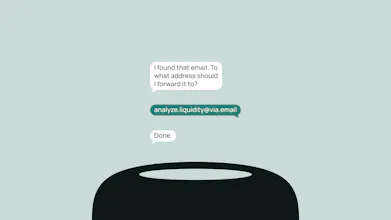
Billions live in their inbox, but AI lives everywhere else... until now. Create custom agents (like summarize@via.email) and forward work to it. via.email brings the power of AI directly into your email workflow. No apps, no dashboards, no downloads. It works across providers and devices. We use smart routing to pick the best model for every task, and your task emails are erased permanently from our servers. Stop context switching - just forward and get work done.
No reviews yetBe the first to leave a review for via.email
how does the smart routing actually pick the best model for a given task, like is there a default i can set or do i need to configure that myself each time?
Report
Maker
@ercan1811695 good questions.
1. How does the smart route pick the best AI model?
Before processing, the system first send the request to our AI powered routing system to assess the 1. Multi-modality needed such as whether an image generation or web search is needed and 2. The complexity. Then the routing system returns the best AI based on your algorithm, to which the request will be sent to.
2. Can the user configure themselves?
No by design. We believe a real agentic ux should be invisible and that includes that user should never worry about which models to use.
Report
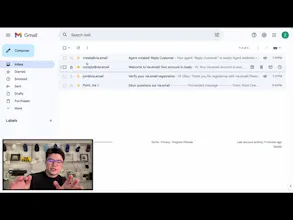
Forwarded a messy thread to summarize@via.email and got a clean recap back in under a minute, pretty cool that it just works inside gmail without another login to manage.
Report
Maker
@bayramonraleyq not another login, download, or app! That’s exactly the point.
how does the smart routing actually pick the best model for a given task, like is there a default i can set or do i need to configure that myself each time?
Forwarded a messy thread to summarize@via.email and got a clean recap back in under a minute, pretty cool that it just works inside gmail without another login to manage.